Franchise

All Courses

Type a course name or short form (acronym) to find any course quickly.
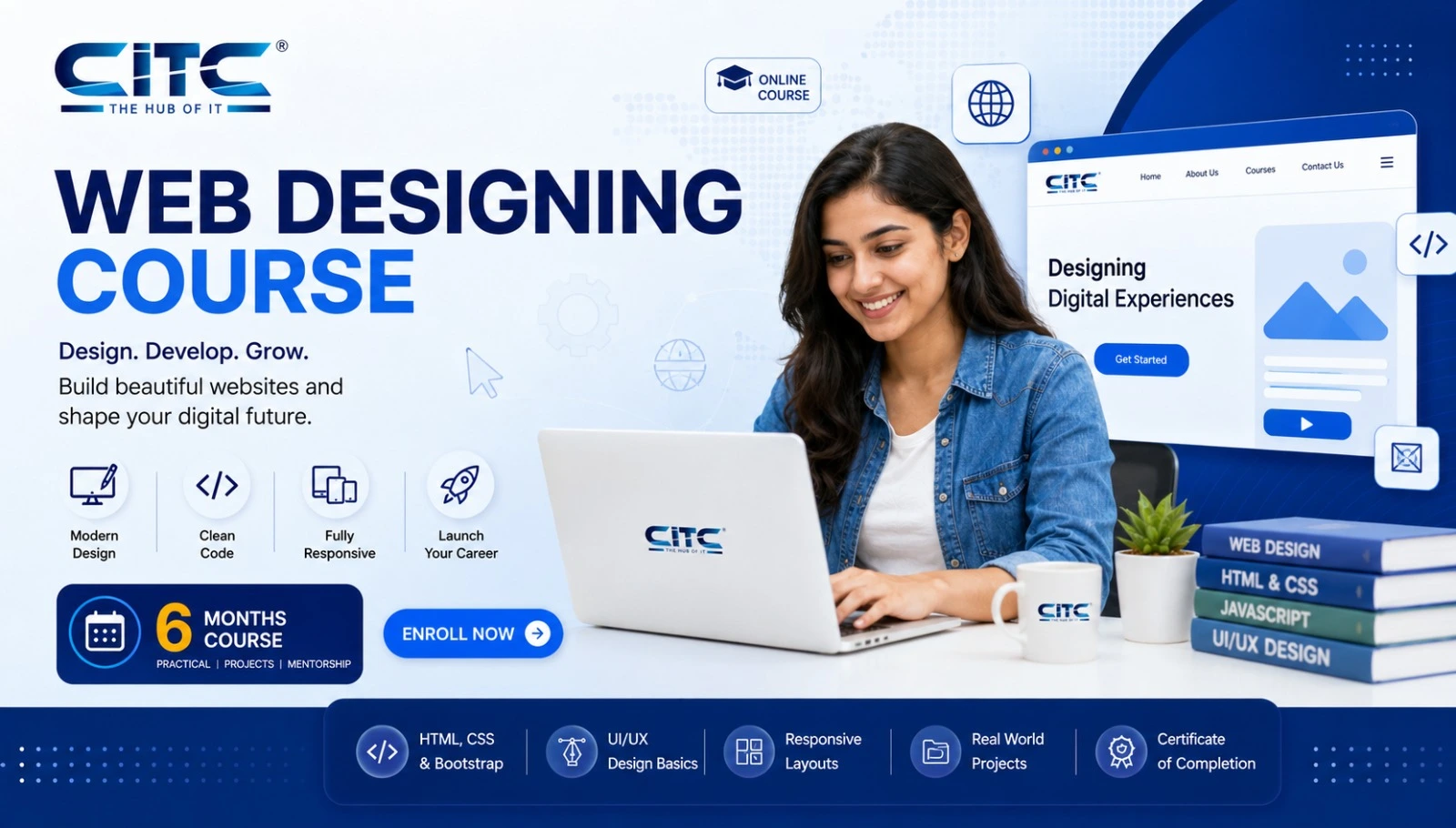
Web Designing

Web Designing with AI Course – HTML, CSS & WordPress (WD)

Start Date 1 October 2026
Duration 6 Months
Mode Online / Offline
Certification CITC Certified
Batch / Course WD
Enroll Now

Click here for CITC All Courses FEES

Course Highlights

What you get when you enrol with CITC

Industry-ready Curriculum
Practical Learning
CITC Certificate
Flexible Batches
Placement Support
Career Guidance
1,744+ Franchises
41,756+ Students
445+ Courses
10,439+ Govt. Placements
22,966+ Private Placements
Web Designing with AI Course – HTML, CSS & WordPress

Learn to design modern, responsive websites with AI-assisted workflows. This practical Web Designing with AI Course combines HTML, CSS, UI/UX fundamentals, responsive design, WordPress and basic JavaScript with AI for website planning, layout ideas, content support and creative design.

Ideal for beginners, students and aspiring freelancers, the course focuses on hands-on website projects and portfolio development while keeping the learning centered on web design—not backend development.

Course Papers / Subjects

What you will study in this programme

01
Web Designing Fundamentals
02
Website Planning & Layout Structure
03
HTML – Build the Website Structure
04
CSS – Style Modern Websites
05
Website Layout & Visual Design
06
Responsive Web Design
07
UI Design Fundamentals
08
UX Design Fundamentals
09
JavaScript for Web Design

Syllabus (Module-wise)

Expand each topic for details

Web Design Foundations 1

Learn how websites are planned, structured and styled using HTML, CSS and modern layout principles before moving into responsive and AI-assisted design.

  • What is Web Designing?
  • Web Designing vs Web Development
  • How Websites Work
  • Types of Websites
  • Static and Dynamic Website Concepts
  • Website Design Process
  • Understanding Website Goals
  • Target Audience Basics
  • Modern Web Design Principles
  • Introduction to AI-Assisted Web Designing

  • Defining Website Purpose
  • Planning Website Pages
  • Sitemap Basics
  • Website Navigation Structure
  • Header, Hero and Footer Planning
  • Content Hierarchy
  • Website Section Planning
  • Wireframe Fundamentals
  • Desktop and Mobile Layout Planning
  • AI-Assisted Layout Ideation

  • Introduction to HTML
  • HTML Document Structure
  • Headings and Paragraphs
  • Text Formatting
  • Links and Navigation
  • Images and Media
  • Lists
  • Tables
  • Forms and Input Fields
  • Semantic HTML Basics
  • Page Sections and Divisions
  • Embedding Audio and Video
  • Practical HTML Page Creation

  • Introduction to CSS
  • CSS Syntax and Selectors
  • Colours and Backgrounds
  • Fonts and Typography
  • Margins and Padding
  • Borders
  • CSS Box Model
  • Width and Height
  • Display Properties
  • Positioning
  • Flexbox
  • CSS Grid Basics
  • Forms and Buttons
  • Hover Effects
  • Reusable CSS Classes
  • Practical Website Styling
  • Website Layout Principles
  • Visual Hierarchy
  • Grid-Based Design
  • Spacing and Alignment
  • Typography for Websites
  • Colour Selection
  • Contrast and Readability
  • Hero Section Design
  • Card-Based Layouts
  • Call-to-Action Design
  • Navigation Design
  • Footer Design
  • Consistent Page Styling
  • AI-Assisted Layout Ideas
  • Responsive UI/UX & Interactive Design 2

    Design websites that look good and work smoothly across devices. Learn responsive design, UI/UX fundamentals and basic JavaScript interactions.

    • What is Responsive Web Design?
    • Desktop, Tablet and Mobile Layouts
    • Mobile-First Design
    • Flexible Widths
    • Responsive Units
    • Responsive Images
    • CSS Media Queries
    • Responsive Typography
    • Responsive Navigation
    • Flexbox for Responsive Layouts
    • CSS Grid for Responsive Pages
    • Mobile-Friendly Forms
    • Cross-Device Testing
    • Fixing Common Responsive Issues

    • Introduction to User Interface Design
    • Visual Hierarchy
    • Website Colour Systems
    • Typography and Readability
    • Buttons and Calls-to-Action
    • Forms and Input Elements
    • Navigation Interfaces
    • Cards and Content Blocks
    • Icons and Visual Elements
    • Spacing and Alignment
    • Design Consistency
    • Reusable UI Patterns
    • AI-Assisted UI Concepts

  • Introduction to User Experience
  • Understanding User Needs
  • User-Friendly Navigation
  • Clear Content Hierarchy
  • Website Usability
  • Accessibility Basics
  • User Journey Fundamentals
  • Reducing User Friction
  • Form Usability
  • Mobile User Experience
  • Website Speed Awareness
  • Basic UX Evaluation
  • Improving Existing Website Experiences
  • Introduction to JavaScript
  • Role of JavaScript in Website Design
  • Basic Variables and Values
  • Simple Events
  • Click Interactions
  • Buttons and Navigation
  • Showing and Hiding Content
  • Basic Form Interaction
  • Simple Page Effects
  • Introduction to DOM Concepts
  • Adding Lightweight Interactivity
  • Practical Interactive Page Examples
  • What You Will Learn & Career Scope

    Details from the course content

    Web Designing with AI – Skills, Projects & Career Scope

    What is Web Designing with AI?

    Web Designing with AI combines core website-design skills with practical AI-assisted workflows.

    You still learn how websites are structured, styled and made responsive using HTML, CSS, UI/UX principles and appropriate front-end techniques. AI is used as a supporting tool for tasks such as planning, layout ideation, content drafts, visual concepts and design refinement.

    The goal is to help you become a better web designer—not simply depend on AI-generated output.

    What Will You Learn?

    The course develops practical skills in:

    • HTML website structure
    • CSS styling and layouts
    • Responsive web design
    • Basic JavaScript interactions
    • UI design fundamentals
    • UX fundamentals
    • Website layout planning
    • WordPress website designing
    • AI-assisted web-design workflows
    • Website optimization
    • Practical website projects
    • Portfolio development

    HTML, CSS & JavaScript for Web Designers

    HTML and CSS are the foundation of modern web designing.

    HTML creates the structure of pages, while CSS controls colours, typography, spacing, layouts and responsive behaviour.

    Basic JavaScript helps designers understand simple interactions such as buttons, menus, forms and dynamic page elements.

    The course keeps JavaScript focused on interactive web design, rather than advanced application or backend development.

    Learn Responsive Website Design

    A modern website must work across desktops, tablets and smartphones.

    You learn how to create:

    • Flexible page layouts
    • Mobile-friendly navigation
    • Responsive images
    • Readable typography
    • Responsive forms
    • Device-friendly spacing
    • Adaptive sections using media queries
    • Desktop, tablet and mobile layouts

    Responsive design ensures that a website remains useful and visually consistent regardless of screen size.

    Learn UI/UX Design Fundamentals

    Good website design is not only about appearance.

    UI design helps you understand how buttons, forms, navigation, cards, typography and other interface elements should look and behave.

    UX fundamentals focus on the visitor's experience—whether the website is easy to understand, navigate and use.

    Together, these skills help you create websites that are both visually attractive and user-friendly.

    How AI Helps in Web Designing

    AI can support different stages of the design workflow.

    Learners explore practical AI assistance for:

    • Website planning
    • Sitemap ideas
    • Layout concepts
    • Content structure
    • Headlines and CTAs
    • UI inspiration
    • Visual concepts
    • Research
    • Creative variations
    • Website improvement ideas

    AI-generated suggestions still need human judgment. Understanding web-design principles allows you to decide what fits the website, audience and user experience.

    Learn WordPress Web Design

    WordPress allows designers to create and manage websites efficiently while maintaining control over layout, content and presentation.

    The course introduces:

    • WordPress dashboard
    • Pages
    • Themes
    • Navigation
    • Media
    • Headers and footers
    • Layout customization
    • Responsive design
    • Forms
    • Basic plugins

    Learning WordPress alongside HTML and CSS gives you both design fundamentals and practical website-building skills.

    Build Websites, Not Just Notes

    Web designing improves through practice.

    Course projects can include:

    • Landing pages
    • Personal websites
    • Business website layouts
    • Responsive webpages
    • WordPress websites
    • UI redesign exercises
    • AI-assisted design concepts
    • Portfolio websites

    These projects bring HTML, CSS, UI/UX, responsiveness, WordPress and AI-assisted workflows together.

    Build a Web Design Portfolio

    A portfolio shows what you can actually design.

    Your web-design portfolio can include responsive website projects, landing pages, WordPress layouts, UI concepts and before-and-after redesign work.

    Showing practical projects can be valuable when discussing internships, freelance assignments or entry-level web-design opportunities.

    Web Designing vs Web Development

    Web designing primarily focuses on:

    • Website appearance
    • Page layouts
    • UI/UX
    • Responsive interfaces
    • Front-end presentation
    • WordPress design
    • Visual user experience

    Web development goes deeper into application logic, programming, databases, APIs and backend technologies.

    Learners who want deeper coding can move from this course into a dedicated Web Development program.

    Who Should Join?

    This course can be suitable for:

    • Students
    • Complete beginners
    • Creative learners
    • Aspiring web designers
    • Freelancers
    • Small business owners
    • Learners interested in UI/UX
    • WordPress beginners
    • Students planning to learn web development later

    Previous advanced programming knowledge is not required to start learning web design fundamentals.

    Web Designing Course Fees

    Web designing course fees can vary according to the current batch, training format and program structure.

    Check the official CITC course information or contact CITC for the latest applicable fee rather than relying on outdated third-party listings.

    Looking for Web Designing Training in Chandigarh or Mohali?

    If you are comparing web-design training options around Chandigarh, Mohali or nearby areas, look beyond the location alone.

    A practical program should ideally include HTML, CSS, responsive design, UI/UX, WordPress, projects and portfolio development.

    Contact CITC to confirm the current classroom batch, training location and availability for this specific program.

    Career & Freelancing Applications

    Practical web-design skills can support work such as:

    • Junior Web Designer
    • Website Designer
    • WordPress Designer
    • Landing Page Designer
    • Website UI Designer
    • Web Layout Designer
    • Freelance Web Designer

    Actual opportunities depend on your skills, portfolio, experience and the requirements of individual employers or clients.

    Start Learning Web Designing with AI

    Learn how to turn an idea into a structured, responsive and user-friendly website.

    Combine HTML, CSS, UI/UX, WordPress and AI-assisted design workflows, apply them through projects and build a portfolio that demonstrates your practical web-design skills.

    Frequently Asked Questions

    Common questions about this course

    A Web Designing with AI Course combines website-design fundamentals such as HTML, CSS, responsive design, UI/UX and WordPress with AI-assisted workflows for planning, layout ideas, content and design productivity.

    You will learn website planning, HTML, CSS, responsive web design, basic JavaScript, UI/UX fundamentals, WordPress, AI-assisted design workflows, website projects and portfolio development.

    No previous coding knowledge is required to start. HTML and CSS are taught from the basics, while JavaScript is introduced for simple website interactions.

    Yes. HTML is used to create webpage structure, while CSS is used for colours, typography, spacing, layouts and responsive website design.

    Yes. Basic JavaScript is introduced for simple interactive webpage elements such as buttons, menus, forms and content interactions.

    Responsive web design means creating websites that automatically adapt to desktop, tablet and mobile screen sizes while remaining readable and easy to use.

    Yes. The course covers UI fundamentals such as layouts, typography, colours and interface elements along with UX concepts including usability, navigation and user journeys.

    AI can support website planning, layout ideation, content drafts, headlines, CTA variations, creative concepts, research and design refinement. Final decisions remain with the designer.

    Yes. Learners are introduced to WordPress pages, themes, navigation, media, layouts, headers, footers, forms and responsive website customization.

    Yes. The course starts with fundamental website-design concepts and gradually progresses to responsive design, UI/UX, WordPress and AI-assisted workflows.

    Yes. Practical website projects can be organized into a portfolio containing responsive layouts, landing pages, WordPress projects and other web-design work.

    Real Stories. Real CITC.

    Stories That Inspire Trust

    Training at 25 PB Battalion

    Training at 25 PB Battalion

    Training at 13 PB Battalion

    Training at 13 PB Battalion