Franchise

All Courses

Type a course name or short form (acronym) to find any course quickly.
DCA

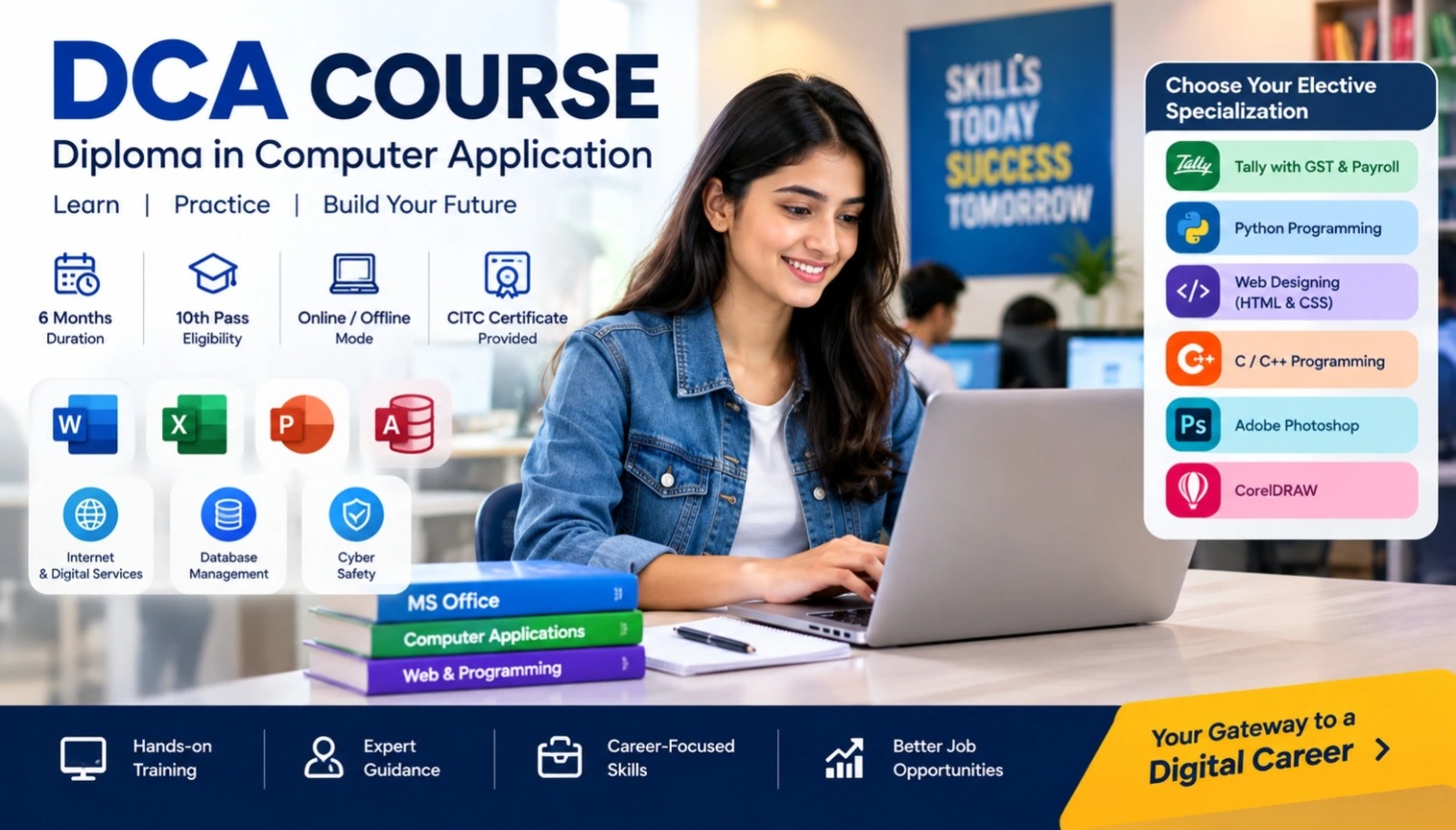
DCA Course – Diploma in Computer Application

Start Date 1 October 2026
Duration 6 Months
Mode Online / Offline
Certification CITC Certified
Batch / Course DCA
Enroll Now Download Syllabus

Click here for CITC All Courses FEES

Course Highlights

What you get when you enrol with CITC

Industry-ready Curriculum
Practical Learning
CITC Certificate
Flexible Batches
Placement Support
Career Guidance
1,744+ Franchises
41,756+ Students
445+ Courses
10,439+ Govt. Placements
22,966+ Private Placements
DCA Course – Diploma in Computer Application

The DCA Course (Diploma in Computer Application) is a practical 6-month computer diploma designed to build job-ready skills in computer fundamentals, MS Office, databases, internet and digital services.

With 180 hours of training and a choice of career-focused electives such as Tally, Python, Web Designing, C/C++, Photoshop or CorelDRAW, the course is ideal for students, job seekers and professionals who want practical computer application skills and a CITC diploma certificate.

Course Papers / Subjects

What you will study in this programme

01
Computer Fundamentals & Operating Systems
02
MS Word – Professional Document Skills
03
MS Excel – Spreadsheets & Data Analysis
04
MS Access – Database Management
05
Internet, Email & Digital Services
06
Option A – Adobe Photoshop & Graphic Design
07
Option B – CorelDRAW & Vector Designing
08
Option C – C Programming
09
Option D – C++ Programming & OOP
10
Option E – Web Designing with HTML & CSS
11
Option F – Python Programming for Beginners
12
Option G – Tally with GST & Payroll

Syllabus (Module-wise)

Expand each topic for details

Computer Applications & Digital Skills 1

Build a strong foundation in computer applications with practical training in operating systems, MS Office, databases, internet tools, digital services and cyber safety.

  • Evolution and generations of computers
  • Types of computers: Analog, Digital and Hybrid
  • Input, output, CPU and storage components
  • Computer hardware vs software
  • Binary, Decimal, Octal and Hexadecimal number systems
  • Windows interface and file management
  • Basic introduction to Linux
  • Control Panel and system settings
  • Basic computer maintenance and troubleshooting
  • MS Word interface, Ribbon, menus and shortcuts
  • Creating, opening and saving documents
  • Text and paragraph formatting
  • Indents, line spacing and page breaks
  • Creating and formatting tables
  • Inserting images, charts and hyperlinks
  • Mail Merge for letters and labels
  • Headers, footers and page numbering
  • Watermarks and document layout
  • Spelling, grammar, comments and Track Changes
  • Page setup and print settings
  • Exporting documents to PDF
  • Workbooks, worksheets and cell ranges
  • Data entry and spreadsheet formatting
  • Relative, absolute and mixed cell references
  • Number, date and currency formatting
  • SUM, IF, COUNTIF and VLOOKUP functions
  • Sorting and filtering data
  • Remove Duplicates and Flash Fill
  • Conditional Formatting
  • Data Validation
  • Bar, Pie, Line and Column charts
  • Introduction to Pivot Tables
  • Basic dashboard concepts
  • Page layout, printing and export options
  • Introduction to databases
  • Fields, records, and tables
  • Creating and saving databases
  • Working with different data types
  • Creating tables
  • Designing forms for data entry
  • Select and Parameter queries
  • Creating simple reports
  • Sorting and filtering records
  • Table relationships
  • Referential integrity
  • Importing and exporting Excel data
  • Introduction to macros and database security
  • Creating presentations and slide layouts
  • Applying themes, templates, and backgrounds
  • Adding text, images, audio, and video
  • Creating charts and visual content
  • Slide transitions and animations
  • Hyperlinks and action buttons
  • Interactive presentation navigation
  • Rehearsed timings
  • Slide Show settings
  • Exporting presentations to PDF, video and handouts
  • Internet fundamentals: IP, domains and web servers
  • Using Chrome, Firefox and Edge
  • Effective online search techniques
  • Creating and managing email accounts
  • Gmail and Outlook basics
  • Google Drive, Docs, Sheets and Forms
  • Online ticket booking and utility payments
  • Net Banking basics
  • Digital wallets and UPI
  • Strong password practices
  • Phishing and malware awareness
  • Social media safety
  • Digital footprint awareness
  • Elective Career Specialization 2
    Choose one specialization based on your career interest and develop practical skills in graphic design, programming, web designing or computerized accounting.

    • Photoshop interface and workspace
    • Layers, masks and selections
    • Image retouching
    • Colour correction
    • Text effects and filters
    • Blending modes
    • Poster designing
    • Certificate designing
    • Social media creatives
    • Exporting designs for print and web

  • CorelDRAW interface and file formats
  • Lines, shapes and curve tools
  • Working with layers and pages
  • Text design and typography
  • Logo designing
  • Brochure designing
  • Business card designing
  • Exporting files for print and web
  • Structure of a C program
  • Variables and data types
  • Operators
  • Input and output functions
  • If, Else and Switch statements
  • For, While and Do-While loops
  • One-dimensional and two-dimensional arrays
  • Functions
  • Recursion
  • Practical beginner programs
  • C++ syntax and program structure
  • Data types and operators
  • Input and output functions
  • Conditional statements and loops
  • Functions and arrays
  • Introduction to pointers
  • Classes and objects
  • Constructors and destructors
  • Basic inheritance and polymorphism
  • File handling
  • Mini OOP-based project
  • HTML tags, elements and page structure
  • Working with text and links
  • Embedding images, audio and video
  • Tables and forms
  • Input fields
  • CSS selectors and styling
  • CSS Box Model
  • Introduction to responsive layouts
  • Flexbox and Grid basics
  • Basic website publishing
  • Mini portfolio or static website project
    • Python installation and development environment
    • Variables and data types
    • Operators
    • Conditional statements
    • Loops
    • Lists, tuples and dictionaries
    • Functions and modules
    • Basic file handling
    • Practical Python programs
    • Mini project such as a To-Do App or Billing System

  • Creating ledgers and groups
  • Voucher entry
  • GST setup: CGST, SGST and IGST
  • GST billing and reports
  • GST return concepts
  • Inventory management
  • Stock groups and units
  • Payroll and salary structures
  • PF and ESI basics
  • Payslips
  • Day Book
  • Trial Balance
  • Profit & Loss Account
  • Balance Sheet
  • What You Will Learn & Career Scope

    Details from the course content

    DCA Course – Skills, Syllabus & Career Scope

    Why Choose a DCA Course?

    A Diploma in Computer Application course is a practical way to build essential computer skills for office work, digital services and further IT learning. The CITC DCA program combines core computer applications with a career-focused elective, allowing learners to develop both general and specialised skills.

    The program covers computer fundamentals, MS Word, Excel, Access, PowerPoint, internet and digital services, followed by one elective in programming, web designing, graphics or computerized accounting.

    What Will You Learn?

    After completing the DCA course modules, learners can develop skills in:

    • Computer fundamentals and operating systems
    • MS Word document creation
    • MS Excel spreadsheets and formulas
    • Database management with MS Access
    • PowerPoint presentations
    • Internet and email
    • Google productivity tools
    • Digital payments and online services
    • Cyber safety and digital literacy
    • One career-focused elective specialization

    DCA Computer Course Syllabus

    The DCA computer course syllabus is divided into two parts.

    The first part develops essential computer application skills through MS Office, databases and digital services.

    The second part allows learners to choose one specialization from:

    • Adobe Photoshop
    • CorelDRAW
    • C Programming
    • C++ Programming
    • Web Designing with HTML & CSS
    • Python Programming
    • Tally with GST & Payroll

    This structure gives learners the flexibility to align the Diploma in Computer Application course with their career interests.

    6-Month Computer Course with Practical Training

    DCA is structured as a 6-month computer course with 180 hours of training. It is suitable for learners who want to gain practical computer knowledge without committing to a long-duration academic program.

    The combination of office applications, digital skills and elective training makes it useful for students, job seekers and working professionals.

    DCA Course After 10th or 12th

    The current CITC DCA course eligibility starts from 10th standard, which makes it accessible to learners looking for a practical computer course after school.

    Students searching for a computer course after 12th can also use DCA to strengthen their computer application skills before moving into more advanced IT, accounting, design or programming programs.

    DCA Certificate & Practical Skills

    Successful learners receive a CITC Diploma in Computer Application certificate after completing the applicable course requirements.

    The program focuses on practical computer usage rather than only theory, helping learners build skills that can be used in office, business and digital-work environments.

    Career Opportunities After DCA

    Skills developed through the DCA program can support entry-level opportunities such as:

    • Office Executive
    • Computer Operator
    • Data Entry Operator
    • Office Assistant
    • Computer Lab Assistant
    • Accounts Assistant with Tally specialization
    • Junior Web Designer
    • Junior Graphic Designer
    • Beginner-level programming roles
    • Digital support work

    Actual role requirements vary by employer, experience and specialization.

    Choose a Career-Focused Elective

    One of the key advantages of this computer application diploma course is the ability to select an elective based on your career goals.

    Choose Tally for computerized accounting, Photoshop or CorelDRAW for graphic design, HTML & CSS for web designing, or C, C++ or Python to begin learning programming.

    What Can You Learn After DCA?

    After completing DCA, learners can progress to more advanced training according to their goals, including:

    • Advanced Diploma in Computer Application (ADCA)
    • Advanced Excel
    • Tally & Accounting
    • Web Development
    • Programming
    • Graphic Designing
    • Digital Marketing
    • Data Analytics
    • Artificial Intelligence
    • Cyber Security

    Online & Offline DCA Course

    The CITC DCA program is available through online and offline learning modes, providing flexibility for learners with different training requirements.

    For learners searching for a nearby DCA computer course, available batches and training locations can be checked through CITC before registration.

    Start Your DCA Course with CITC

    Build practical computer skills with the DCA Course – Diploma in Computer Application. Learn essential office applications, digital tools and one career-focused specialization within a structured short-term diploma program.

    Register for the DCA course and start building practical computer application skills.

    Frequently Asked Questions

    Common questions about this course

    DCA stands for Diploma in Computer Application. It is a practical computer diploma course that teaches computer fundamentals, MS Office, databases, internet and digital services along with a career-focused elective specialization.

    The current CITC DCA course is structured as a 6-month program with 180 hours of training.

    The current minimum eligibility for the CITC DCA course is 10th standard.

    The DCA syllabus includes computer fundamentals, operating systems, MS Word, MS Excel, MS Access, MS PowerPoint, internet, email, digital services and one elective specialization.

    Learners can choose one specialization from Adobe Photoshop, CorelDRAW, C Programming, C++, Web Designing with HTML & CSS, Python Programming or Tally with GST & Payroll.

    Yes. The DCA syllabus includes practical training in MS Word, MS Excel, MS Access and MS PowerPoint.

    Tally with GST and Payroll is available as one of the elective specialization options in the CITC DCA course.

    Yes. Learners interested in programming can choose C, C++ or beginner-level Python as their elective specialization.

    Yes. CITC currently offers the DCA course through online and offline learning modes.

    Successful learners receive a CITC Diploma in Computer Application certificate after completing the applicable course requirements.

    Yes. The DCA course page provides a Download Syllabus option where learners can access the detailed syllabus

    Course fees may vary according to the current batch and learning mode. Use the course-fees option on the CITC website or contact CITC for the latest fee information.

    Real Stories. Real CITC.

    Stories That Inspire Trust

    Training at 25 PB Battalion
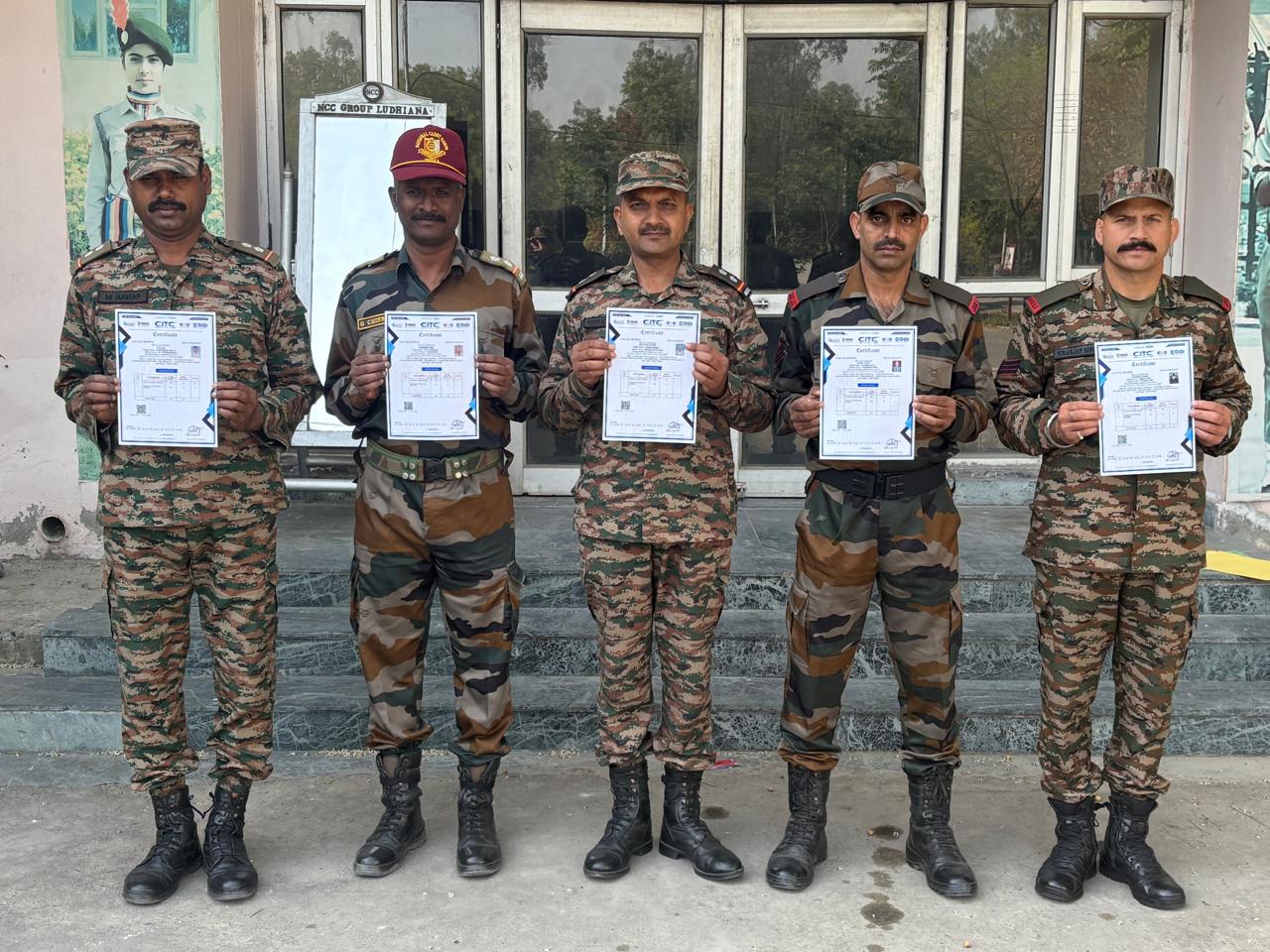
    Training at 25 PB Battalion

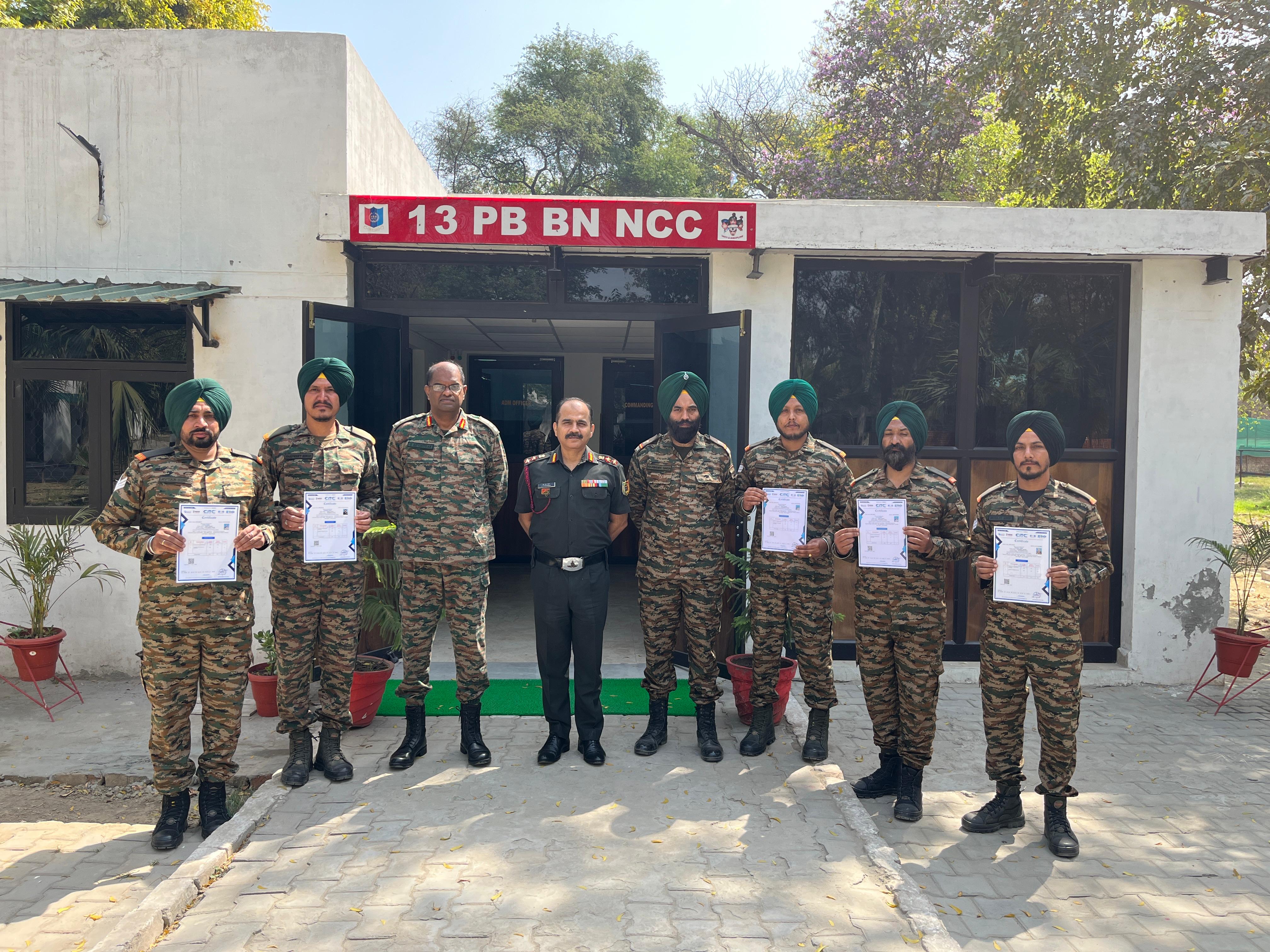
    Training at 13 PB Battalion

    Training at 13 PB Battalion