Franchise

All Courses

Type a course name or short form (acronym) to find any course quickly.
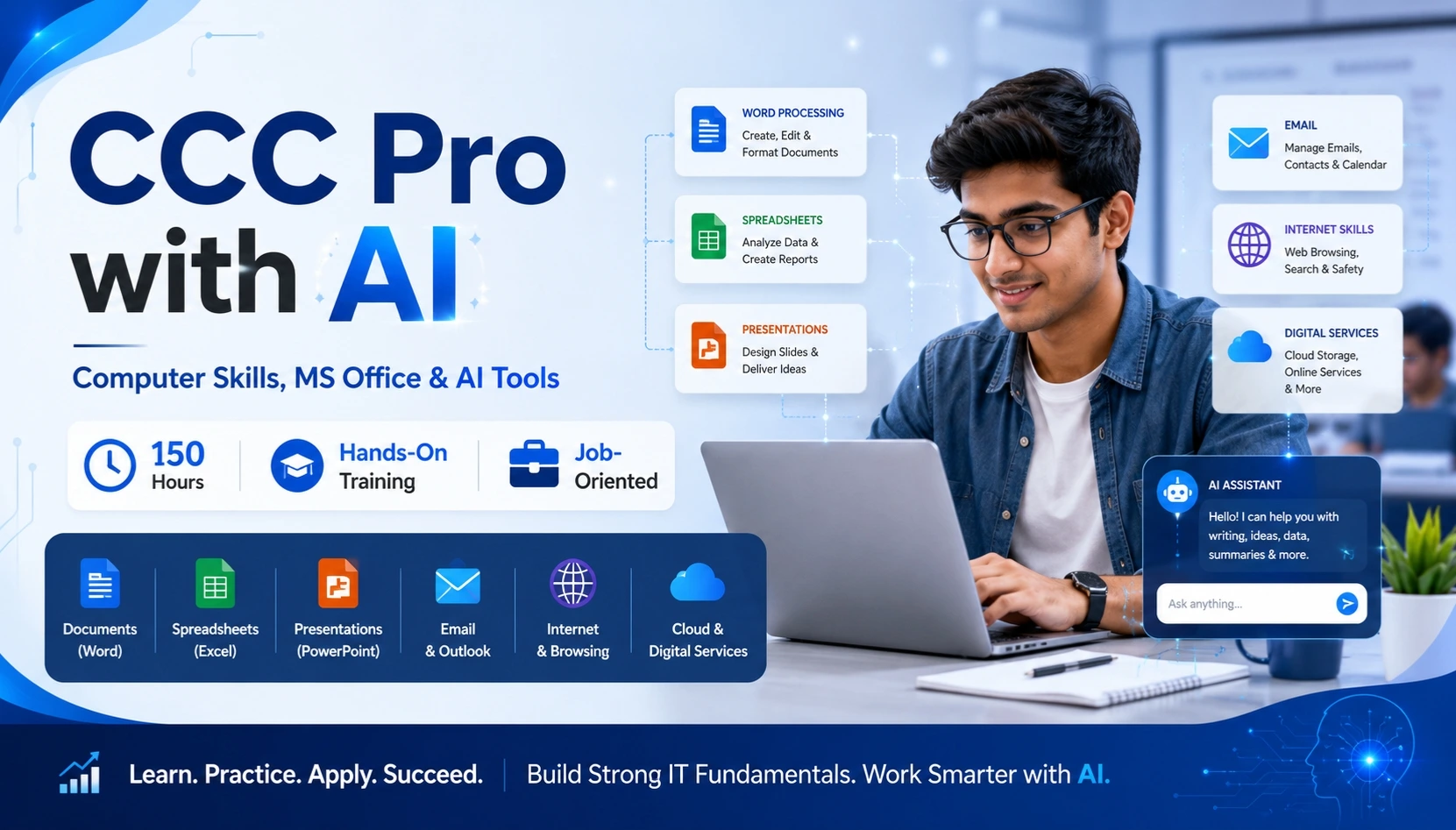
CCC Pro with AI

CCC Course with AI – Computer Skills for the AI Era (CCC AI)

Start Date 1 October 2026
Duration 3 Months
Mode Online / Offline
Certification CITC Certified
Batch / Course CCC AI
Enroll Now Download Syllabus

Click here for CITC All Courses FEES

Course Highlights

What you get when you enrol with CITC

Industry-ready Curriculum
Practical Learning
CITC Certificate
Flexible Batches
Placement Support
Career Guidance
1,744+ Franchises
41,756+ Students
445+ Courses
10,439+ Govt. Placements
22,966+ Private Placements
CCC Course with AI – Computer Skills for the AI Era

Build essential computer skills and practical AI knowledge in one future-focused course. CCC Pro with AI combines computer fundamentals, MS Office, internet, digital services and modern AI tools for smarter study, office work and everyday tasks.

Learn through 150 hours of practical, classroom and hands-on AI training designed for students, job seekers and beginners.

Course Papers / Subjects

What you will study in this programme

01
Computer Fundamentals & IT Basics
02
Windows & File Management
03
MS Word – Documents & Resume Creation
04
MS Excel – Formulas, Data & Charts
05
MS PowerPoint – Smart Presentation Skills
06
Internet & Smart Web Research
07
Email & Digital Communication
08
Social Media & Online Collaboration
09
E-Governance & Online Services
10
Digital Payments & Online Transactions
11
AI Fundamentals & Generative AI
12
AI for Writing, Research & Productivity
13
Popular AI Assistants
14
Creative AI – Images & Design Tools
15
MS Office + AI Integration
16
AI for Students, Jobs & Daily Work
17
Responsible AI & Future Skills

Syllabus (Module-wise)

Expand each topic for details

Computer, Digital & AI Skills -2

Build a strong foundation in computer applications, digital services and Artificial Intelligence. Learn MS Office, internet tools, online services and practical AI applications for study, work and everyday productivity.

  • Introduction to Computers and Information Technology
  • Types of Computers and Their Applications
  • Computer Hardware and Software Basics
  • Input and Output Devices
  • CPU and Basic Computer Components
  • Memory and Storage Devices
  • Understanding Files and Data
  • Everyday Applications of Computers
  • Introduction to Windows Operating System
  • Desktop, Taskbar and Start Menu
  • Creating Files and Folders
  • Renaming, Copying and Moving Files
  • Deleting and Restoring Files
  • Organizing Folders Efficiently
  • Basic Control Panel Settings
  • Date, Time and Display Settings
  • Everyday Windows Productivity Skills
  • Creating, Opening and Saving Documents
  • Text and Paragraph Formatting
  • Fonts, Styles, Bullets and Numbering
  • Creating and Formatting Tables
  • Inserting Images and SmartArt
  • Page Setup and Layout
  • Headers, Footers and Page Numbers
  • Mail Merge Basics
  • Professional Letter Creation
  • Resume Creation
  • Printing and Exporting Documents
  • Understanding Workbooks and Worksheets
  • Rows, Columns and Cells
  • Entering and Formatting Data
  • Basic Formulas and Calculations
  • SUM and AVERAGE Functions
  • IF Function Basics
  • Sorting and Filtering Data
  • Creating Charts and Graphs
  • Basic Data Analysis
  • Practical Spreadsheet Exercises
  • Creating and Managing Slides
  • Slide Layouts and Themes
  • Adding Text and Images
  • Tables, Charts and Visual Elements
  • Applying Transitions
  • Adding Animations
  • Slide Show Settings
  • Presentation Design Basics
  • Creating Clear and Professional Presentations
  • Practical Presentation Skills
  • Introduction to Internet and World Wide Web
  • Understanding Websites and Web Pages
  • Using Chrome, Edge and Firefox
  • Search Engine Basics
  • Effective Google Search Techniques
  • Online Research Skills
  • Downloading and Uploading Files
  • Safe Web Browsing
  • Identifying Reliable Online Information
  • Creating and Managing Email Accounts
  • Sending and Receiving Emails
  • Replying and Forwarding Messages
  • Adding Email Attachments
  • Using CC and BCC
  • Organizing Email
  • Professional Email Etiquette
  • Identifying Spam and Suspicious Emails
  • Email Privacy and Security Basics
  • Facebook Basics
  • WhatsApp for Communication
  • LinkedIn Basics
  • Creating a Professional Digital Presence
  • Responsible Social Media Usage
  • Online Communication Etiquette
  • Introduction to Online Collaboration Tools
  • Sharing Files and Information Online
  • Digital Privacy Basics
  • Introduction to E-Governance
  • Understanding Online PAN Services
  • Aadhaar-Related Digital Services
  • Passport Application Process Basics
  • DigiLocker
  • UMANG App
  • Online Form Filling
  • Uploading Documents Online
  • OTP-Based Verification
  • Safe Use of Government Portals
  • Introduction to Digital Payments
  • UPI Basics
  • Internet Banking
  • Mobile Banking
  • Mobile Wallets
  • QR-Code Payments
  • Online Bill Payments
  • Mobile and DTH Recharge
  • Protecting OTPs and UPI PINs
  • Digital Payment Safety
  • Recognizing Online Payment Fraud
  • What is Artificial Intelligence?
  • How AI is Used in Everyday Life
  • Introduction to Generative AI
  • Applied AI Basics
  • AI vs Traditional Software
  • Real-World AI Applications
  • AI in Education and Office Work
  • AI for Creativity and Productivity
  • Understanding the Capabilities of AI
  • AI for Writing and Content Creation
  • Generating Ideas with AI
  • AI-Assisted Email Writing
  • AI for Summaries and Notes
  • AI for Online Research
  • AI-Assisted Information Organization
  • AI for Everyday Productivity
  • Introduction to AI Automation
  • Using AI to Save Time on Routine Tasks
  • ChatGPT and AI Assistants
  • Google Gemini
  • Claude AI
  • Perplexity AI
  • Notion AI
  • Asking Better Questions to AI
  • Comparing AI Responses
  • Choosing the Right AI Tool for a Task
  • Practical AI Assistant Exercises
  • Introduction to AI Image Generation
  • Canva AI
  • Microsoft Designer
  • Midjourney
  • Leonardo AI
  • Bing Image Creator
  • Writing Better Image Prompts
  • Creating Social Media Visuals
  • Designing Creative Concepts with AI
  • Responsible Use of AI-Generated Images
  • Using AI with MS Word
  • AI-Assisted Document Creation
  • Using AI with MS Excel
  • AI Support for Formulas and Data Tasks
  • Using AI with PowerPoint
  • AI-Assisted Presentation Creation
  • Microsoft Copilot Basics
  • AI for Office Productivity
  • Automating Routine Office Tasks
  • Reviewing AI-Generated Work
  • Resume Writing with AI
  • Professional Email Writing with AI
  • AI-Assisted Cover Letters
  • Social Media Content Creation
  • Smart Presentation Creation
  • AI for Study and Research
  • AI for Students
  • AI for Job Seekers
  • AI for Everyday Office Tasks
  • Practical Productivity Use Cases
  • Responsible Use of Artificial Intelligence
  • Understanding AI Limitations
  • Verifying AI-Generated Information
  • Data Privacy and Security
  • Avoiding Sensitive Data Sharing
  • AI Bias and Accuracy
  • Human Review of AI Outputs
  • Ethical Use of AI Content
  • Future of AI in Work and Education
  • Building Future-Ready Digital Skills
  • What You Will Learn & Career Scope

    Details from the course content

    Call to Action

    👉 Upgrade your skills with AI-powered learning today!
    👉 Limited seats available – Enroll Now

    Frequently Asked Questions

    Common questions about this course

    CCC Pro with AI is a practical CITC computer and Artificial Intelligence course that combines computer fundamentals, MS Office, internet and digital services with modern AI tools and productivity applications

    The CCC Pro with AI program includes 150 hours of practical, classroom and hands-on AI training.

    Yes. The course begins with basic computer concepts before progressing to MS Office, internet, digital services and practical AI tools, making it suitable for beginners.

    No. The course focuses on practical computer usage and everyday AI applications. Programming knowledge is not required to begin.

    The syllabus covers computer fundamentals, Windows, MS Word, Excel, PowerPoint, internet, email, digital services, online payments, Artificial Intelligence, AI assistants, creative AI tools and AI-powered office productivity.

    Yes. Learners receive practical training in MS Word, MS Excel and MS PowerPoint along with AI-assisted productivity applications.

    The syllabus introduces tools and assistants such as ChatGPT, Google Gemini, Claude AI, Perplexity AI, Notion AI, Canva AI, Microsoft Designer, Midjourney, Leonardo AI and Bing Image Creator.

    Real Stories. Real CITC.

    Stories That Inspire Trust

    Training at 25 PB Battalion
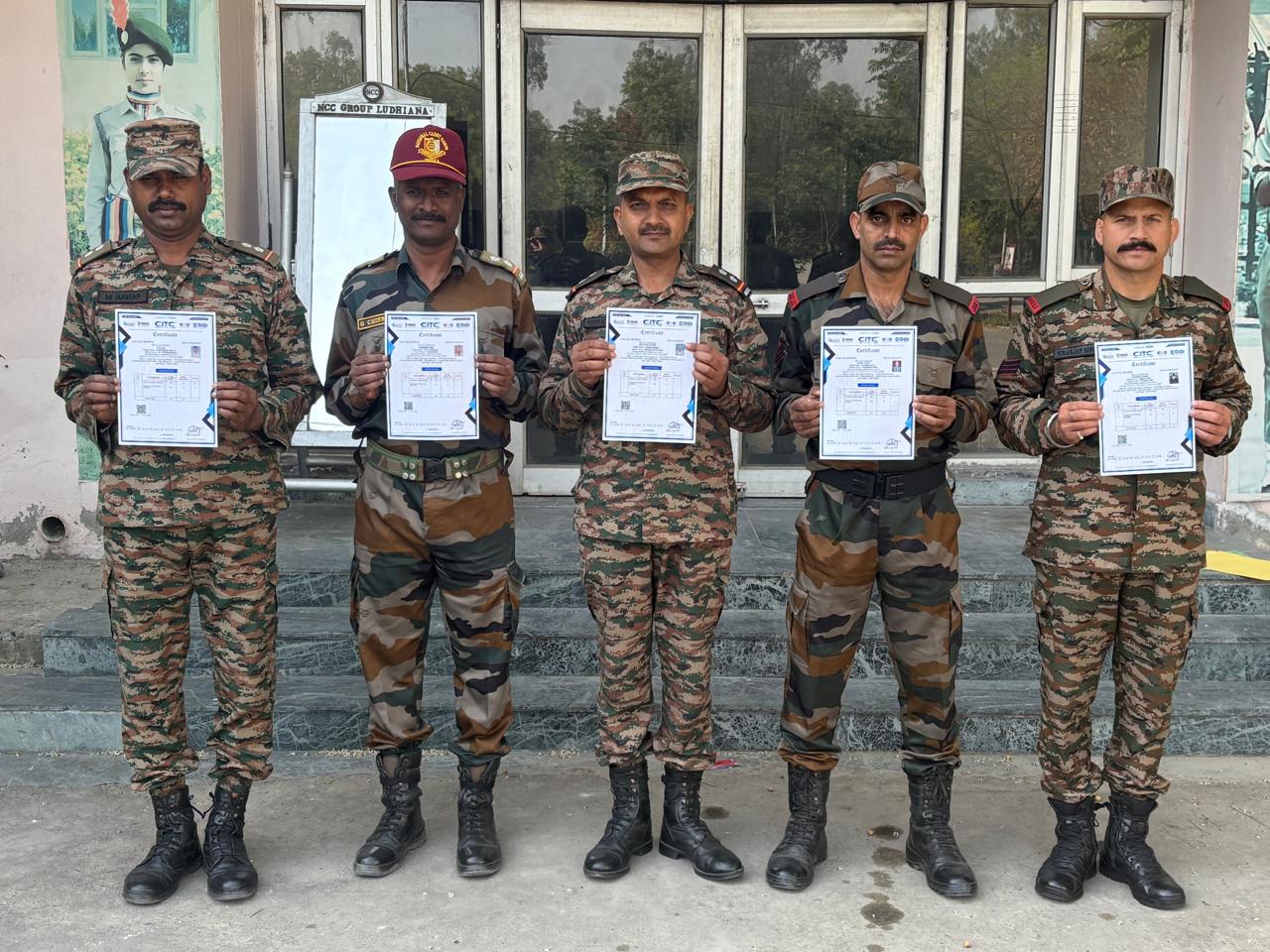
    Training at 25 PB Battalion

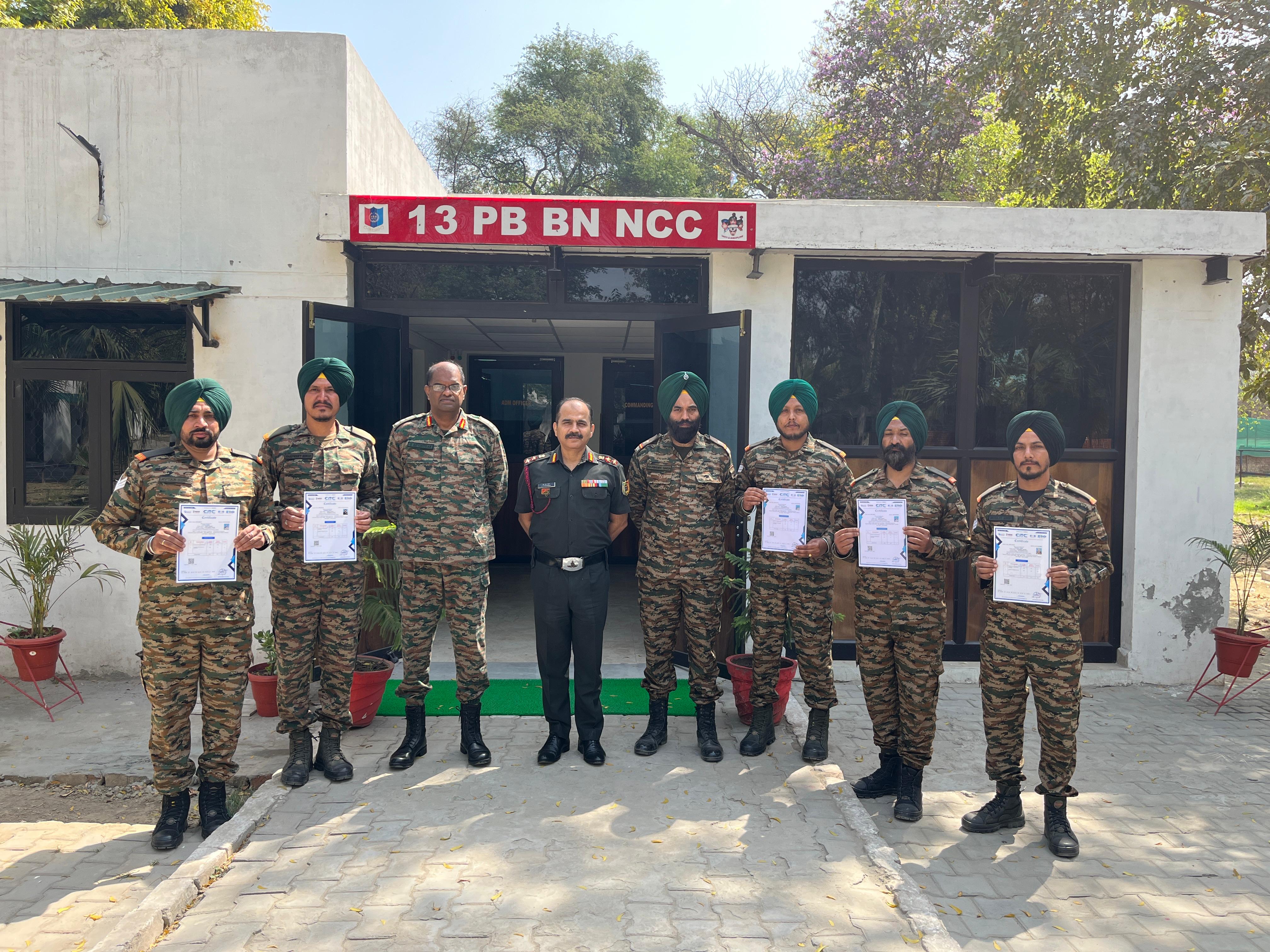
    Training at 13 PB Battalion

    Training at 13 PB Battalion