Franchise

All Courses

Type a course name or short form (acronym) to find any course quickly.
CCB

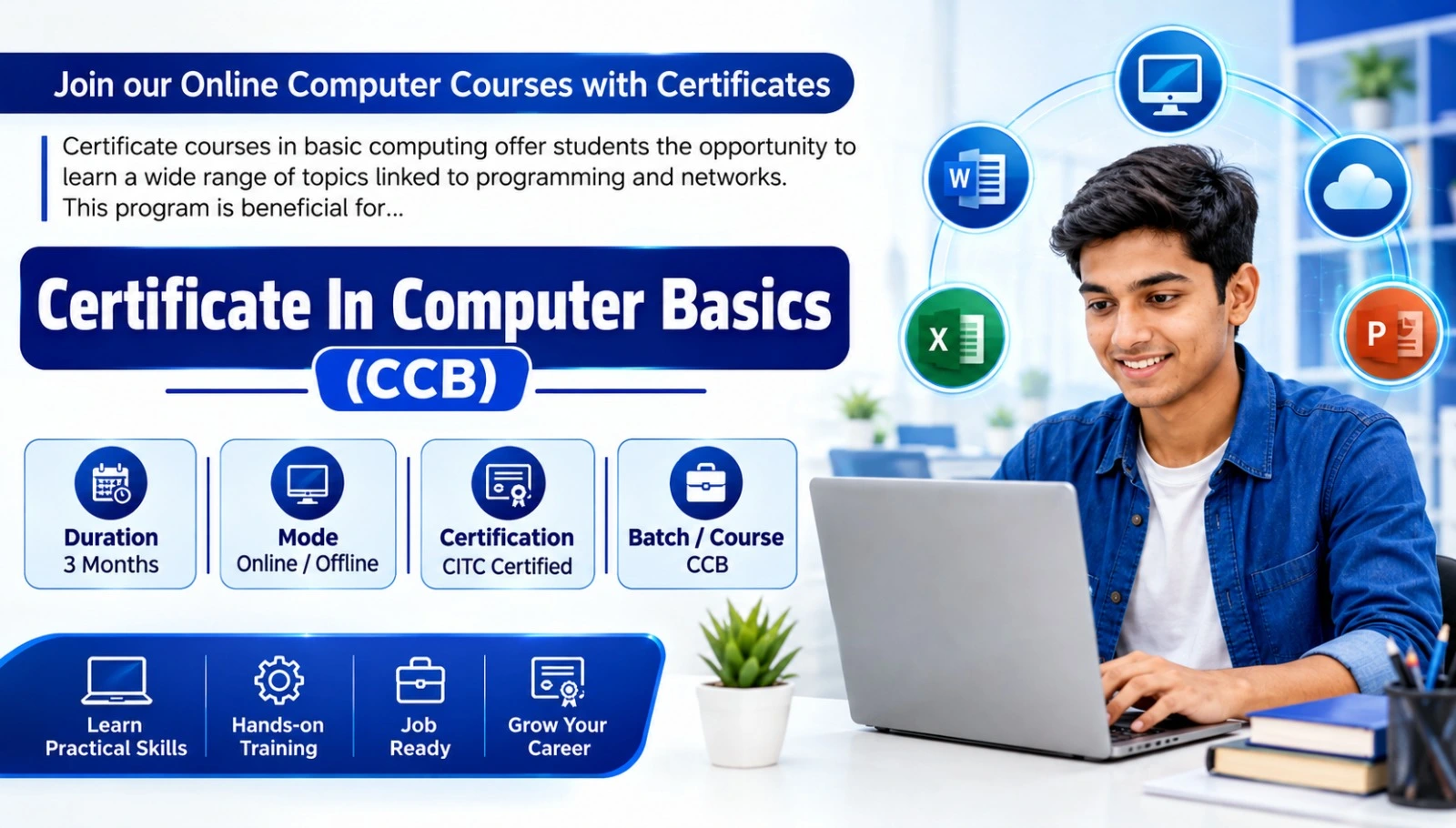
CCB – Certificate in Computer Basics

Start Date 1 October 2026
Duration 3 Months
Mode Online / Offline
Certification CITC Certified
Batch / Course CCB
Enroll Now

Click here for CITC All Courses FEES

Course Highlights

What you get when you enrol with CITC

Industry-ready Curriculum
Practical Learning
CITC Certificate
Flexible Batches
Placement Support
Career Guidance
1,744+ Franchises
41,756+ Students
445+ Courses
10,439+ Govt. Placements
22,966+ Private Placements
CCB – Certificate in Computer Basics

CITC Certificate in Computer Basics (CCB) is a beginner-friendly course designed to build essential computer and MS Office skills for study, office work and everyday use.

Learn computer fundamentals, Windows, MS Word, MS Excel and PowerPoint through practical training. Ideal for students, job seekers, professionals and beginners who want to develop strong basic computer knowledge and digital confidence.

Course Papers / Subjects

What you will study in this programme

01
Computer Fundamentals & Windows Basics
02
MS Word – Document Creation & Office Work
03
MS Excel – Spreadsheet & Data Skills
04
MS PowerPoint – Presentation Skills

Syllabus (Module-wise)

Expand each topic for details

Computer Fundamentals & MS Office 1

Build practical computer and office productivity skills by learning computer fundamentals, Windows, file management, MS Word, MS Excel and PowerPoint.

  • Introduction to computers and their everyday applications
  • Input and output devices
  • Computer memory and storage basics
  • Understanding computer hardware and software
  • Introduction to number systems
  • Introduction to Windows operating system
  • Working with desktop, icons and basic Windows settings
  • Changing display, resolution, date and time settings
  • Working with Notepad and Paint
  • Creating, deleting, renaming and organising files and folders

  • Home: Text editing, fonts, paragraphs, styles and formatting
  • Insert: Tables, pictures, shapes, symbols, headers and footers
  • Page Layout: Margins, orientation, size, spacing and page setup
  • References: Table of contents, footnotes and document references
  • Mailings: Mail Merge, letters, labels and related tools
  • Review: Spelling, comments, Track Changes and document checking
  • View: Document views, zoom and window management

  • Home: Data entry, cell formatting, alignment and basic editing
  • Insert: Tables, charts, pictures and spreadsheet elements
  • Page Layout: Themes, margins, orientation and print settings
  • Formulas: Basic formulas, functions and calculations
  • Data: Sorting, filtering and organising information
  • Review: Comments, protection and spreadsheet checking
  • View: Workbook views, zoom, freeze panes and window options

  • Home: Creating slides, text formatting and slide management
  • Insert: Pictures, shapes, tables, charts, audio and video
  • Design: Themes, layouts and presentation appearance
  • Transitions: Applying and managing slide transitions
  • Animations: Adding animation effects to presentation objects
  • Slide Show: Running and presenting slide shows
  • Review: Proofing, comments and presentation review
  • View: Presentation views, Slide Master and display options

What You Will Learn & Career Scope

Details from the course content

Certificate in Computer Basics – Skills, Benefits & Career Use

Why Choose the CCB Computer Course?

The CITC Certificate in Computer Basics (CCB) is designed for learners who want to build practical computer knowledge from the beginning. The course combines computer fundamentals, Windows and MS Office skills that are useful for education, office work, business and everyday digital tasks.

What Will You Learn?

  • Basic computer hardware and software concepts
  • Windows operating system and file management
  • Document creation and formatting in MS Word
  • Data entry and spreadsheet work in MS Excel
  • Basic formulas, calculations and data organisation
  • Professional presentations using MS PowerPoint
  • Managing files, folders and common computer applications

Basic Computer Course for Beginners

This basic computer course is suitable for learners who want to improve their computer skills without starting with advanced technical subjects. Step-by-step practical learning makes it useful for students, job seekers, working professionals, homemakers, business owners and other beginners.

Practical Skills for Office & Everyday Work

CCB develops skills that can be applied to common tasks such as preparing letters and documents, entering and organising data, creating spreadsheets, making presentations, managing files and using a computer more confidently in an office, educational or personal environment.

Useful Foundation for Students & Job Seekers

Basic computer and MS Office skills can support academic activities and entry-level work involving documentation, data entry, office assistance and computer operations. If a particular government or private job requires a computer qualification, candidates should check the official recruitment notification for the exact eligibility requirement.

What Can You Learn After CCB?

After developing a foundation in computer basics, learners can progress to courses such as CCC, DCA, Advanced Excel, Tally, Data Entry, Graphic Designing, Web Development, Digital Marketing or other specialised IT programmes according to their interests and career goals.

Start Learning Computer Basics with CITC

Build practical computer confidence with the CITC Certificate in Computer Basics. Learn essential computer and MS Office skills through a structured beginner-friendly programme and prepare yourself for further learning, office work and everyday digital tasks.

Frequently Asked Questions

Common questions about this course

The CCB Computer Course is CITC's Certificate in Computer Basics, a beginner-friendly programme covering computer fundamentals, Windows, MS Word, MS Excel and MS PowerPoint.

The CITC Certificate in Computer Basics course has a duration of 3 months.

Yes. The course is designed for beginners who want to develop basic computer and MS Office skills in a structured and practical way.

The course is suitable for students, job seekers, homemakers, working professionals, small business owners and other learners who want to improve their basic computer skills.

The CCB syllabus includes computer fundamentals, computer hardware and software basics, Windows, file management, MS Word, MS Excel and MS PowerPoint.

Yes. The course includes practical learning in key MS Office applications such as MS Word, MS Excel and MS PowerPoint.

You will learn document creation, text formatting, page layout, tables, pictures, references, Mail Merge, review tools and other commonly used Word features.

You will learn spreadsheet data entry, cell formatting, formulas, basic calculations, charts, sorting, filtering, data management and workbook tools.

Yes. The course covers creating slides, presentation design, inserting content, transitions, animations, slide shows and other essential PowerPoint features.

Yes. The programme focuses on practical learning so that students can use computer applications for common educational, office and everyday tasks

Yes. Students can use the computer, document, spreadsheet and presentation skills learned in CCB for assignments, projects, presentations and further computer education.

Basic computer and MS Office skills can be useful for entry-level roles involving office documentation, data entry, administrative assistance and computer operations.

Some government recruitment notifications may require computer knowledge or a particular computer qualification. Candidates should check the official recruitment notification for the exact requirement because eligibility varies by post.

Yes. CITC currently offers the Certificate in Computer Basics course in online and offline learning modes.

After CCB, learners can explore courses such as CCC, DCA, Advanced Excel, Tally, Data Entry, Web Development, Digital Marketing, Graphic Designing and other specialised computer courses.

Real Stories. Real CITC.

Stories That Inspire Trust

Training at 25 PB Battalion
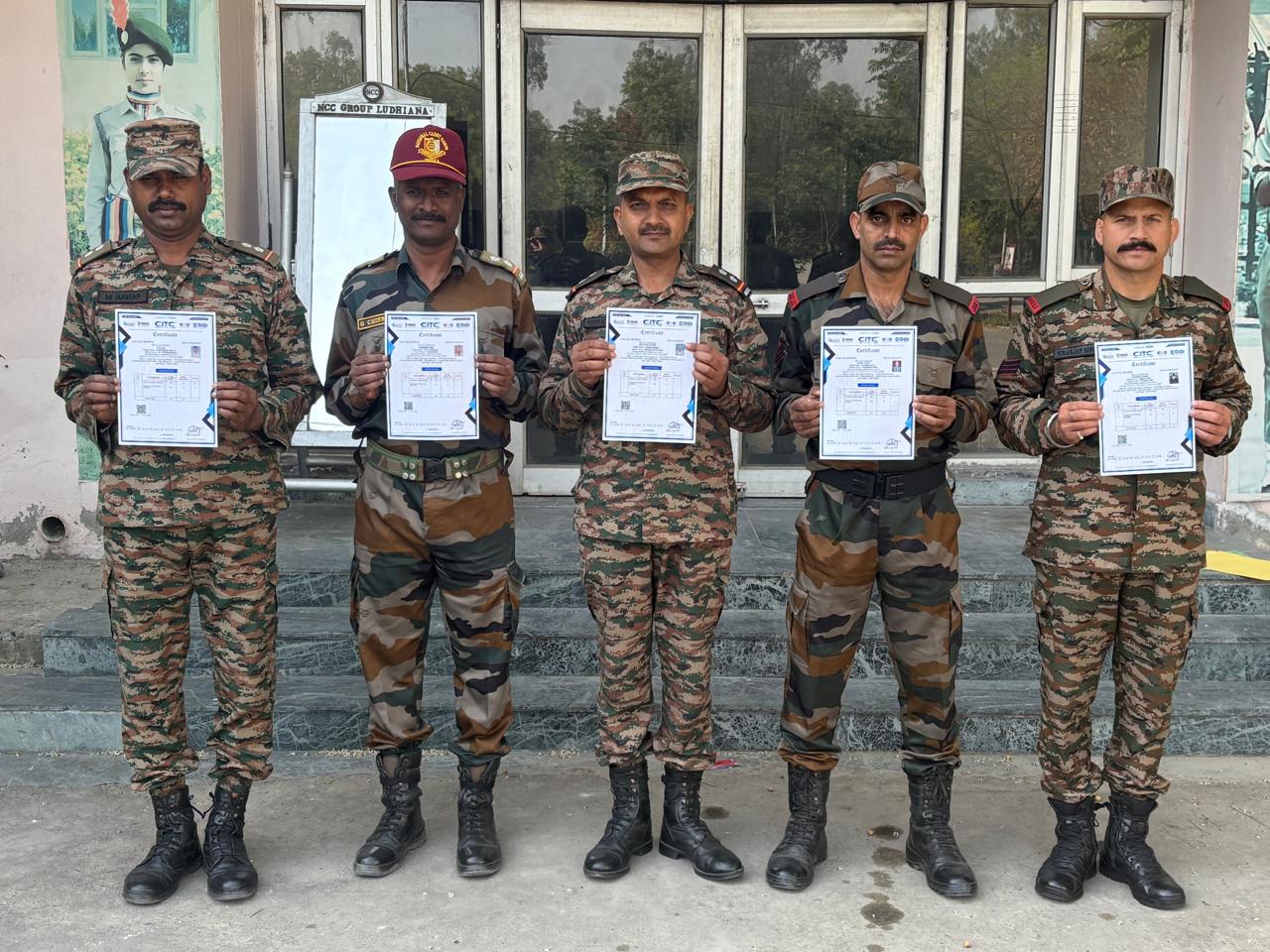
Training at 25 PB Battalion

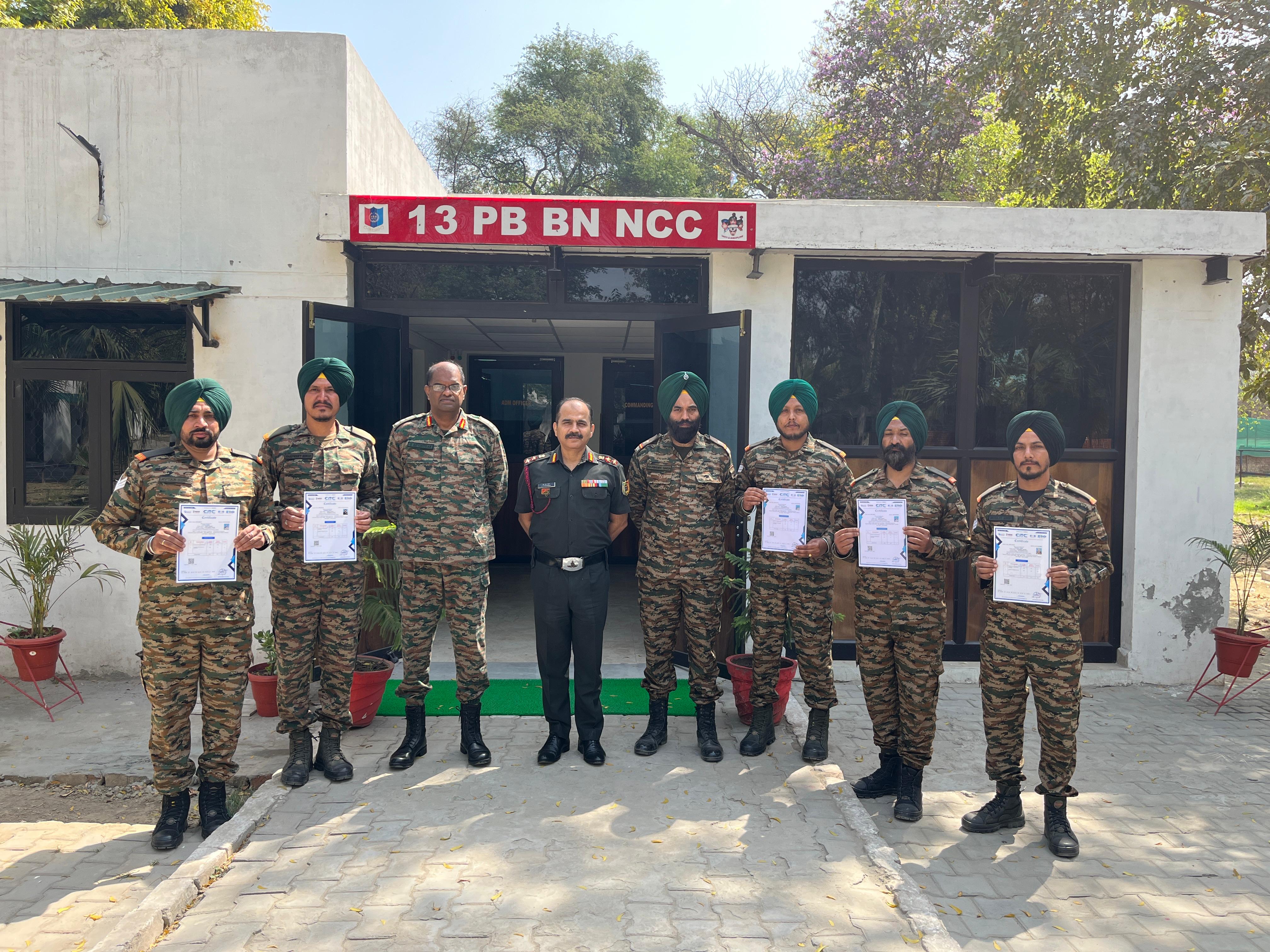
Training at 13 PB Battalion

Training at 13 PB Battalion