Franchise

All Courses

Type a course name or short form (acronym) to find any course quickly.

Career-Ready · Industry-Focused

DSAT

DSAT - Diploma in software Application & TypingCITC offers Diploma in Software Application & Typing course in which you will get know practical as well as theoretical knowledge of basic languges, Photo editing…

Duration 6 Months Mode Online / Offline Eligibility 8th CITC Certified Placement Support

Diploma In Software Application Typing (DSAT)

Start Date 1 October 2026
Duration 6 Months
Mode Online / Offline
Certification CITC Certified
Batch / Course DSAT
Enroll Now Download Syllabus

Click here for CITC All Courses FEES

Course Highlights

What you get when you enrol with CITC

Industry-ready Curriculum
Practical Learning
CITC Certificate
Flexible Batches
Placement Support
Career Guidance
1,744+ Franchises
41,756+ Students
445+ Courses
10,439+ Govt. Placements
22,966+ Private Placements
Diploma In Software Application Typing

DSAT - Diploma in software Application & Typing

CITC offers Diploma in Software Application & Typing course in which you will get know practical as well as theoretical knowledge of basic languges, Photo editing tool, Microsoft office and add on English Typing.

Course Papers / Subjects

What you will study in this programme

01
Fundamentals
02
MS Word- Required in Lots of office work
03
MS Excel- For Data Entry-listing-Accounting
04
PowerPoint- Basically used for Presentations
05
MS-Access- For Creating Office Databases
06
Data Handling & Internet- For browsing mails & websites
07
Digital Services- Net Banking, Cyber Awareness
08
PhotoShop- For Image editing & Creating
09
Language HTML- For Web Pages development
10
CSS- Cascading Style Sheets
11
Accounting Info- Functioning of the Software
12
Inventory Info- About Stock Groups, Sale Process
13
Payroll- About Salaries, Payroll

Syllabus (Module-wise)

Expand each topic for details

Module 1

Course Papers

  • Fundamentals, MS Office
  •  Internet (Digital Services)
  • Typing

  • Introduction to computers
  • Input output devices, Memory
  • Hardware Software
  • Number System
  • Introduction to Windows
  • Changing Windows Properties (window color, screen saver, resolution, date and time)
  • Working with Notepad and Paint
  • Creating, Deleting, Renaming Files and Folders

  • Home
  • Insert
  • Page Layout
  • References
  • Review
  • View
  • Mailing

  • Home
  • Insert
  • Page Layout
  • Formulas
  • Data
  • Review
  • View

  • Home
  • Insert
  • Design
  • Animation
  • Slideshow
  • Review
  • View

  • Home
  • Create
  • External Data
  • Database Tools
  • Datasheet

  • Introduction to Internet
  • Surfing
  • Email
  • Create Account
  • Sending & Receiving E-Mails
  • Web Browsers
  • Downloading & Uploading
  • Google Drive
  • Search Engines
  • Trojan/Virus

  • Net Banking
  • Debit/Credit Card Transactions
  • E-wallet
  • UPI
  • Fraud Emails
  • Spams
Module 2

Course Papers (Opt any 1 Papers)

  • Photoshop
  • HTML, CSS
  • Tally ERP9 and Accounting

  • File
  • Edit
  • Image Selection
  • Work with Layer
  • Adjust Image Quality
  • Filter
  • View

  • HTML Elements
  • Attributes
  • Headings
  • Paragraphs
  • Styles
  • Comments
  • Colors
  • Images
  • Tables
  • Lists
  • Classes
  • File Paths
  • Forms
  • Input Types

  • CSS Introduction
  • Syntax
  • Colors
  • Fonts
  • Styles
  • Backgrounds
  • Colors
  • Images
  • Tables
  • Lists
  • Positions
  • Overflow
  • Floats
  • Inline Blocks
  • Forms
  • Rounded Corners
  • Gradients
  • Shadows
  • Buttons
  • Variables

  • Introduction
  • Comp. Formation
  • Ledger & Group Creation
  • Journal Entries
  • Vouchers
  • Profit & Loss A/C
  • Balance Sheet
  • Cost Centres
  • Interest Calculations
  • Budget Making

  • Stock Groups & Items Creations
  • Purchase Process
  • Sale Process
  • Voucher Entries
  • Invoice with inventory mode

  • Salary Details
  • Payment of Salary
  • Payroll Reports
  • Employee Groups & Employee Creation

What You Will Learn & Career Scope

Details from the course content


Frequently Asked Questions

Common questions about this course

It teaches commonly used software applications and practical typing skills.

It’s suitable for beginners, students, job seekers, and anyone who wants to improve computer skills.

Usually not; the course may start with basic computer use.

Depending on the syllabus, you may learn word processing, spreadsheets, presentations, and other office tools.

The course may teach typing techniques to help improve speed and accuracy.

Yes, regular practice can help you build confidence using software and typing.

Typing practice may track your speed in words per minute and your accuracy.

Course duration varies by institution and schedule; check the course details for the exact length.

It may help prepare you for roles involving data entry, office support, or document preparation.

You’ll typically need access to a computer and the required software; confirm details with your institution.

Real Stories. Real CITC.

Stories That Inspire Trust

Training at 25 PB Battalion
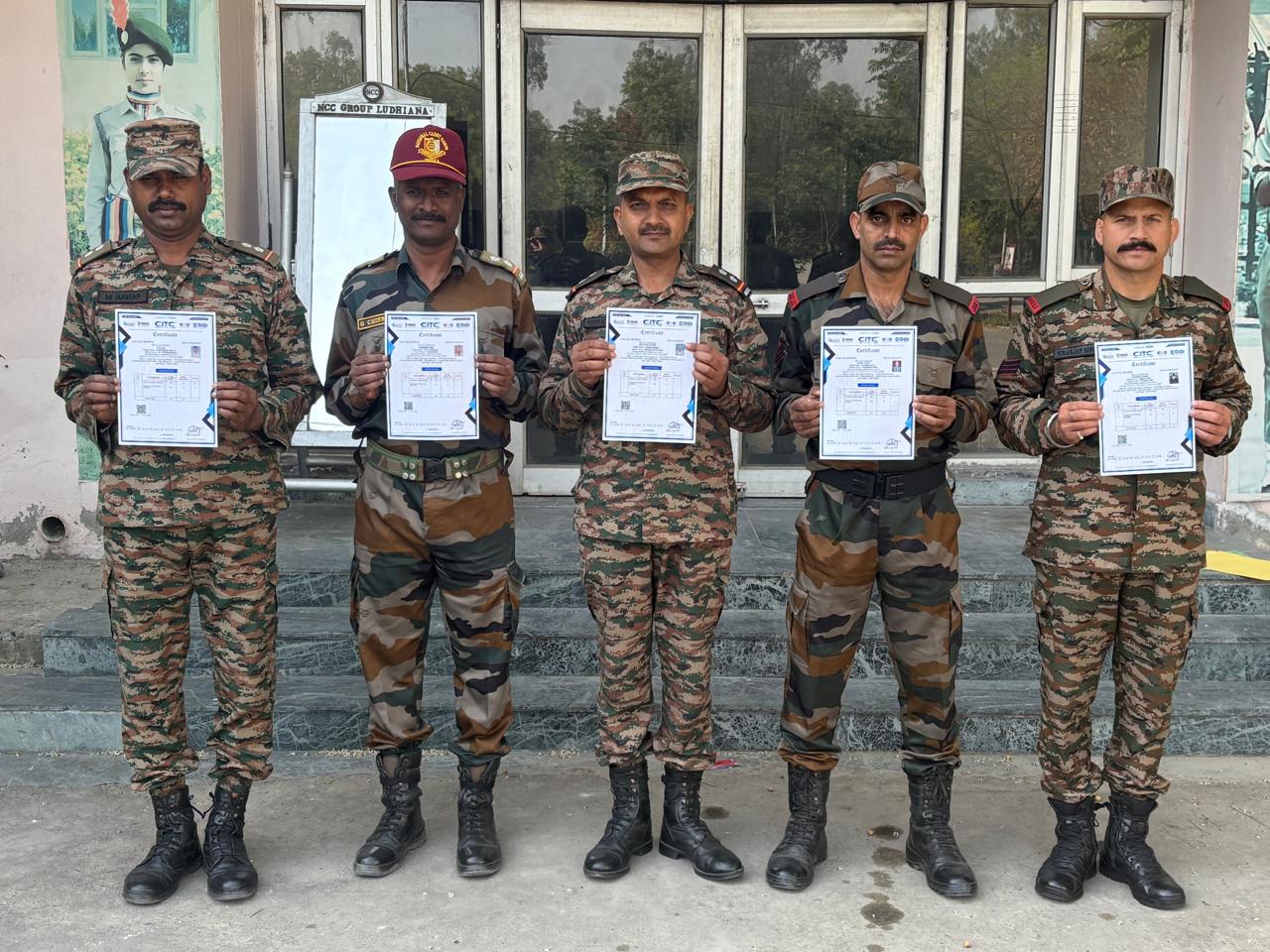
Training at 25 PB Battalion

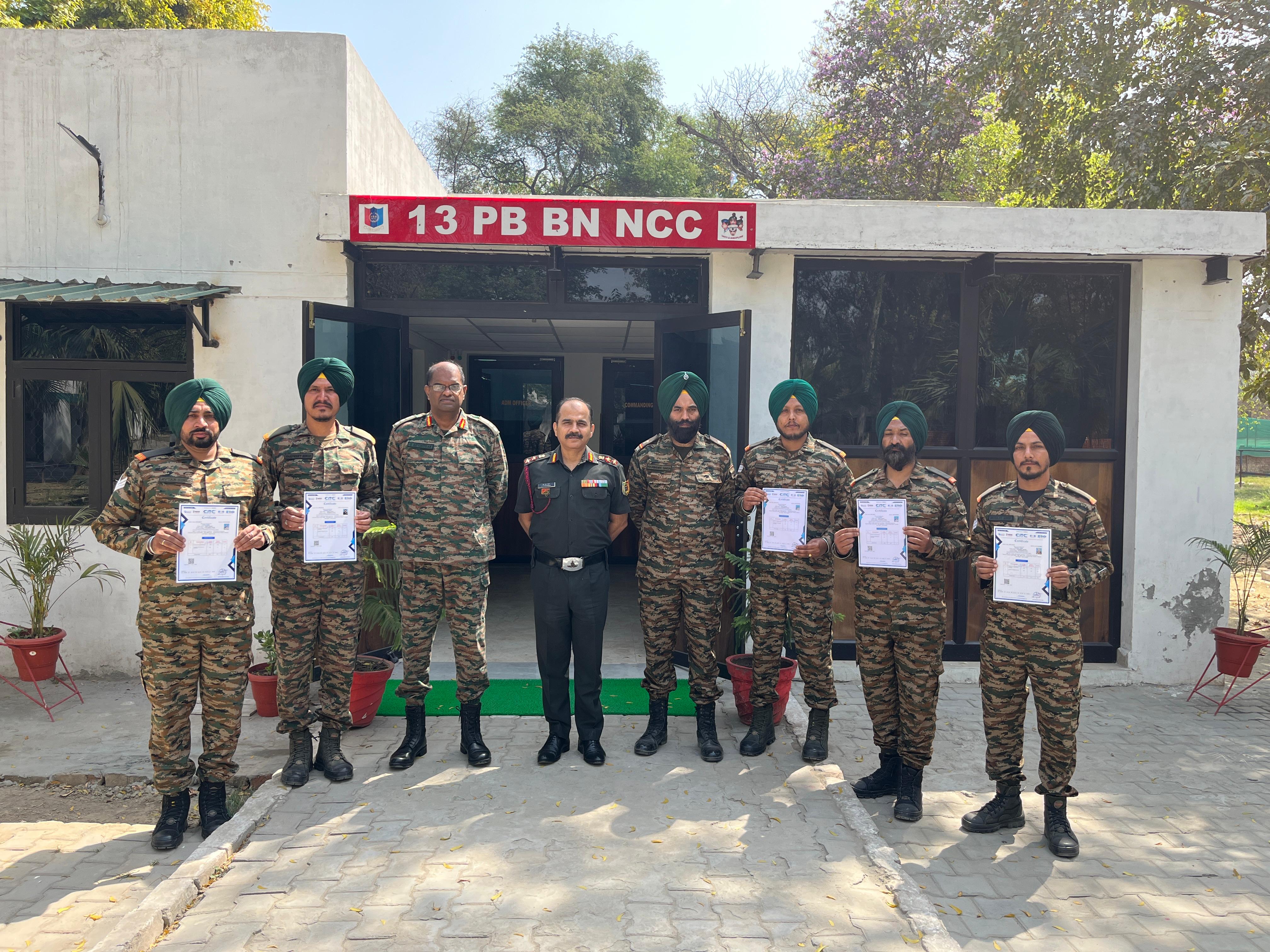
Training at 13 PB Battalion

Training at 13 PB Battalion