Franchise

All Courses

Type a course name or short form (acronym) to find any course quickly.
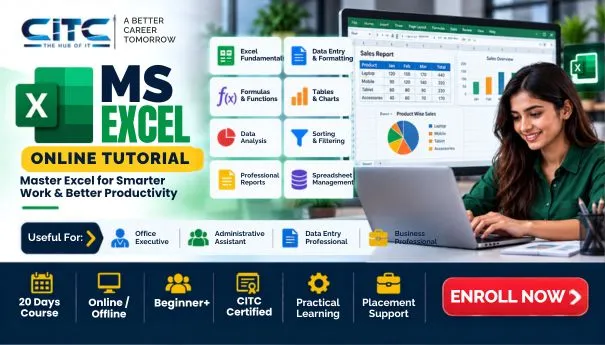
MS Excel Online Tutorial

MS Excel Online Tutorial

Start Date 1 October 2026
Duration 20 Days
Mode Online / Offline
Certification CITC Certified
Batch / Course MS Excel
Enroll Now

Click here for CITC All Courses FEES

Course Highlights

What you get when you enrol with CITC

Industry-ready Curriculum
Practical Learning
CITC Certificate
Flexible Batches
Placement Support
Career Guidance
1,744+ Franchises
41,756+ Students
445+ Courses
10,439+ Govt. Placements
22,966+ Private Placements


Syllabus (Module-wise)

Expand each topic for details


What You Will Learn & Career Scope

Details from the course content


Frequently Asked Questions

Common questions about this course

The MS Excel Online Tutorial helps learners develop practical skills in spreadsheets, data entry, calculations, and data management.

CITC lists the MS Excel Online Tutorial as a 20-hour short-term course.

Yes, beginners can learn Excel basics and gradually develop practical spreadsheet skills through online training.

Learners can develop skills in data entry, formatting, formulas, functions, sorting, filtering, and spreadsheet management.

Yes, learners can use formulas and functions to perform calculations and work with spreadsheet data.

Yes, Excel provides tools for organising, managing, sorting, filtering, and analysing data.

Yes, learners can create charts and graphs to present spreadsheet data visually.

Yes, Excel is commonly used for calculations, records, reports, data management, and accounting-related tasks.

Yes, Excel skills are useful for data entry, reporting, calculations, record management, and office tasks.

Yes, learners can start with basic spreadsheet concepts and gradually build practical Excel skills.

Real Stories. Real CITC.

Stories That Inspire Trust

Training at 25 PB Battalion

Training at 25 PB Battalion

Training at 13 PB Battalion

Training at 13 PB Battalion