Franchise

All Courses

Type a course name or short form (acronym) to find any course quickly.
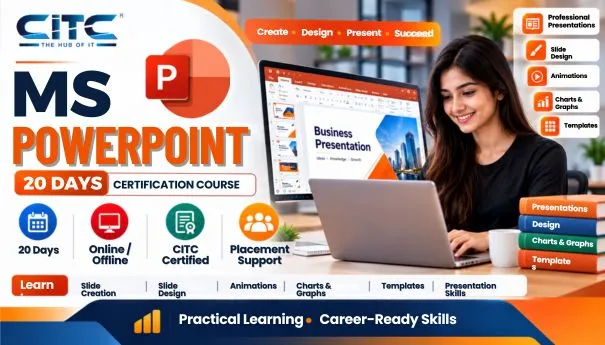
MS PowerPoint

Microsoft Powerpoint Learning Tutorials (MS PowerPoint)

Start Date 1 October 2026
Duration 20 Days
Mode Online / Offline
Certification CITC Certified
Batch / Course MS PowerPoint
Enroll Now

Click here for CITC All Courses FEES

Course Highlights

What you get when you enrol with CITC

Industry-ready Curriculum
Practical Learning
CITC Certificate
Flexible Batches
Placement Support
Career Guidance
1,744+ Franchises
41,756+ Students
445+ Courses
10,439+ Govt. Placements
22,966+ Private Placements
Microsoft Powerpoint Learning Tutorials

MS PowerPoint

Learn MS-PowerPoint with CITC – An ISO 9001:2015 certified organization, associated with Microsoft, ICDL for International Computer courses, NIELIT, MSME & Google.

About course

This is the certification course in MS-PowerPoint with 45 hours duration.  For this course, one should have a basic knowledge of computer and computer science. This certification course is a basic course that objective is providing the basic knowledge of MS-PowerPoint 

.What you will Learn?

During this course, you will learn not only designing PowerPoint slides but also graphics and animations.

Scope

After completing this course, you can apply for the job of PowerPoint presentation specialist,

Click on the Buttons to Download Study Tutorial :


Course Papers / Subjects

What you will study in this programme

01
PowerPoint- Basically used for Presentations

Syllabus (Module-wise)

Expand each topic for details

Module 1

Course Modules/Papers

  • MS PowerPoint

  • Home
  • Insert
  • Design
  • Transitions
  • Animation
  • Slideshow
  • Review
  • View

What You Will Learn & Career Scope

Details from the course content


Frequently Asked Questions

Common questions about this course

MS PowerPoint is presentation software used to create and present slides. CITC’s MS PowerPoint training helps learners develop practical presentation skills.

The course covers slide creation, text formatting, images, tables, charts, animations, transitions, themes, and presentation design.

Yes, CITC’s MS PowerPoint training is suitable for beginners who want to learn how to create and deliver professional presentations.

Yes, learners can use themes, layouts, images, charts, animations, and transitions to create professional presentations.

Yes, learners can learn how to use animations and slide transitions to make presentations more interactive.

Yes, MS PowerPoint allows learners to add images, tables, charts, and other visual elements to their presentations.

Yes, learners can learn about slide layouts, themes, formatting, and visual presentation to improve their slide designs.

Yes, practical exercises help learners apply PowerPoint features and create presentations for academic and professional purposes.

PowerPoint skills are useful for academic presentations, business meetings, training sessions, reports, and office work.

Yes, PowerPoint is commonly used to prepare business presentations, project reports, training materials, and meeting slides.

Real Stories. Real CITC.

Stories That Inspire Trust

Training at 25 PB Battalion
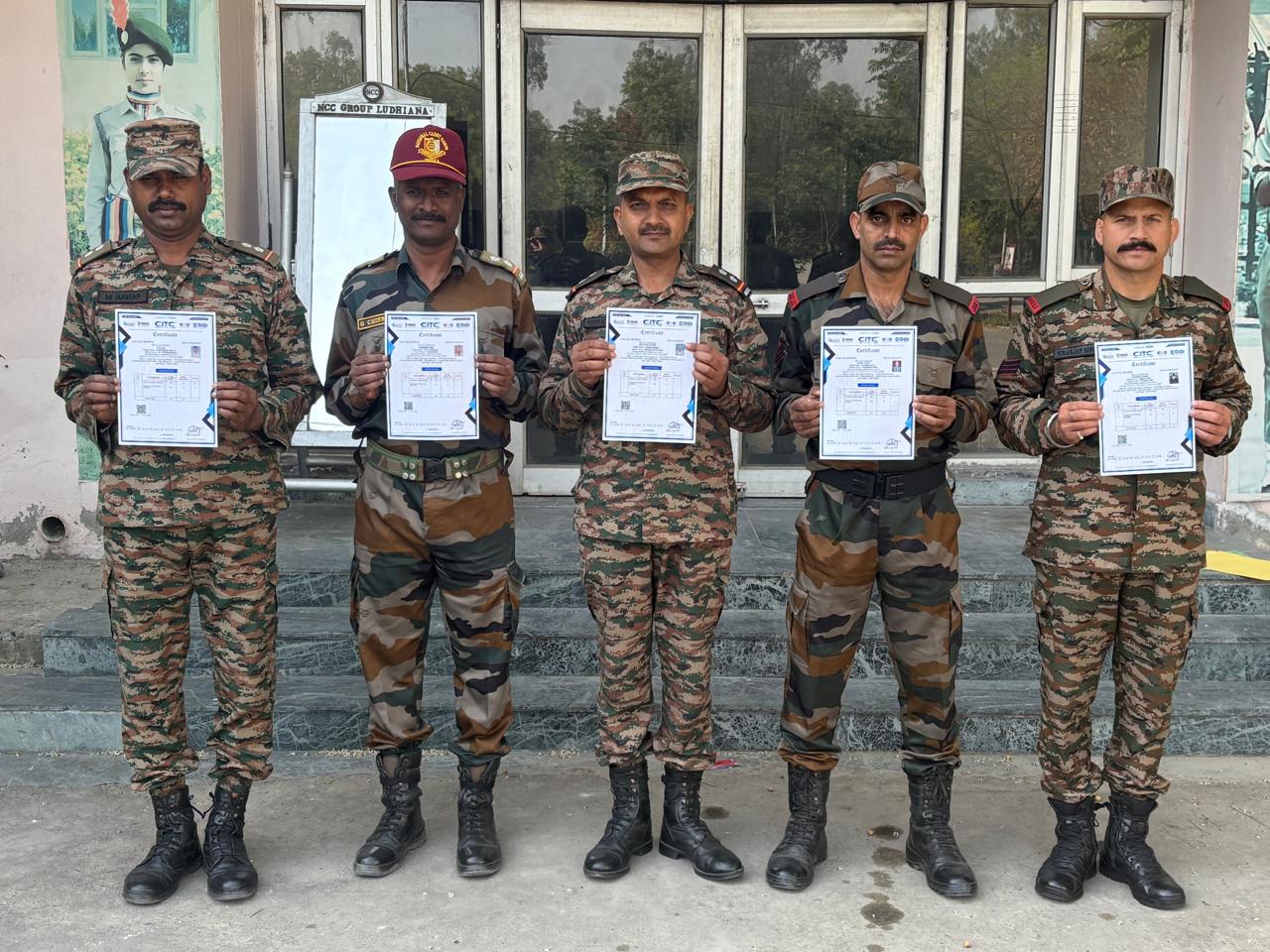
Training at 25 PB Battalion

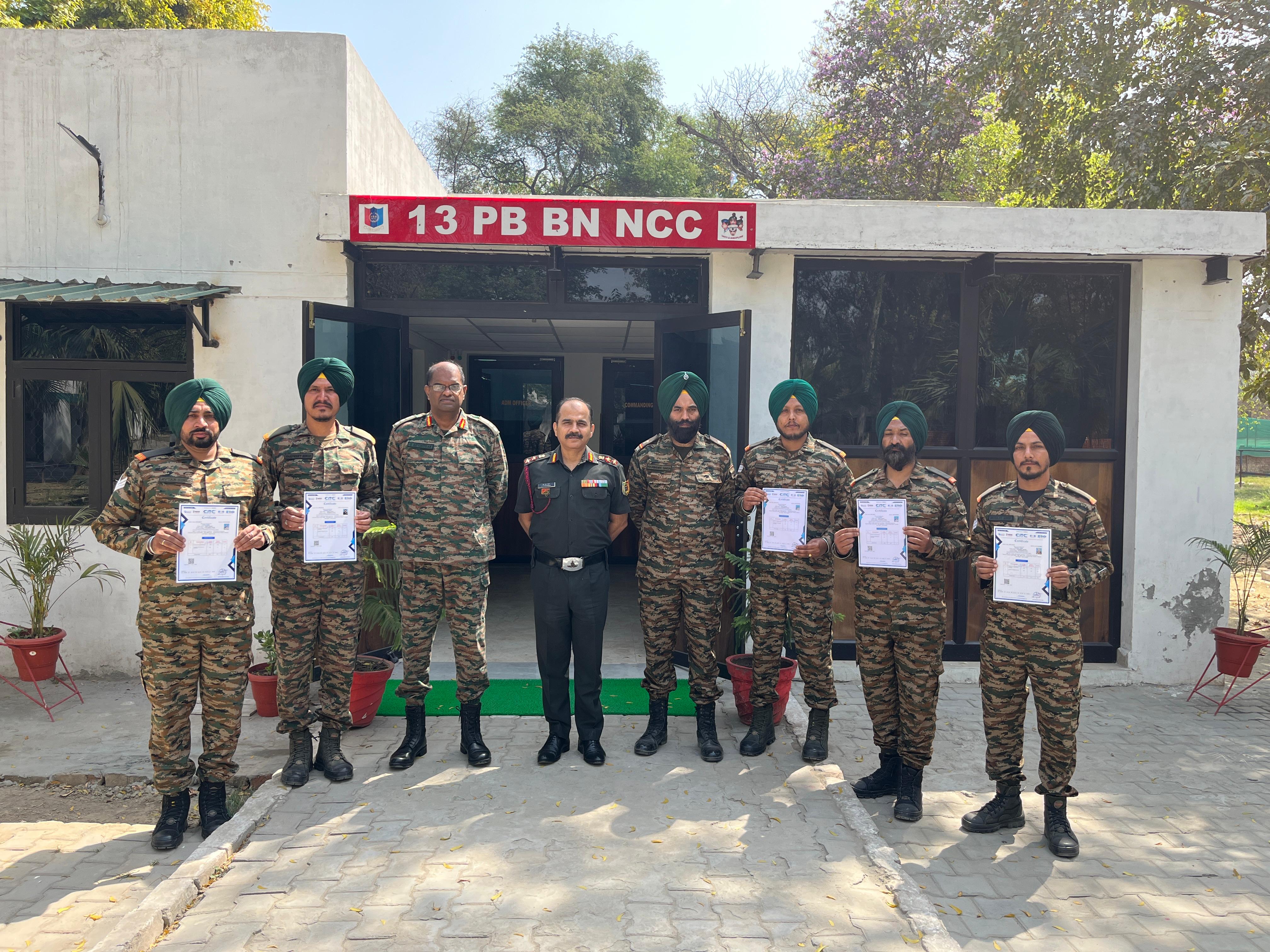
Training at 13 PB Battalion

Training at 13 PB Battalion