Franchise

All Courses

Type a course name or short form (acronym) to find any course quickly.

Career-Ready · Industry-Focused

DTP

DTP - Desktop PublishingLearn Computer Basics with CITC – An ISO 9001:2015 certified organisation, associated with Microsoft, ICDL for International Computer courses, MSME & CSC. After completion of this course, Y…

Duration 3 Months Mode Online / Offline Eligibility 10th CITC Certified Placement Support

Desktop Publishing (DTP)

Start Date 1 October 2026
Duration 3 Months
Mode Online / Offline
Certification CITC Certified
Batch / Course DTP
Enroll Now

Click here for CITC All Courses FEES

Course Highlights

What you get when you enrol with CITC

Industry-ready Curriculum
Practical Learning
CITC Certificate
Flexible Batches
Placement Support
Career Guidance
1,744+ Franchises
41,756+ Students
445+ Courses
10,439+ Govt. Placements
22,966+ Private Placements
Desktop Publishing

DTP - Desktop Publishing

Learn Computer Basics with CITC – An ISO 9001:2015 certified organisation, associated with Microsoft, ICDL for International Computer courses, MSME & CSC. After completion of this course, You will be able to learn graphic Designing through Corel Draw, PhotoShop & PageMaker etc.

Course Papers / Subjects

What you will study in this programme

01
Corel Draw-Graphic Designing
02
PhotoShop-Photo Editing, Designing tools
03
PageMaker-Graphic Designing

Syllabus (Module-wise)

Expand each topic for details

Module 1

Course Modules/Papers

  • Corel Draw
  • PhotoShop
  • PageMaker

  • Canvas tools
  • Import/Exporting Images
  • Editing
  • Effects
  • Bitmaps
  • Tools
  • Publishing for Print
  • Understanding the Color Palette
  • Logo Designing
  • Visiting Card Designing
  • Flex-banners Designing
  • Transformation of object

  • File
  • Edit
  • Magic Wand
  • Free Transform Tool
  • Image Selection
  • Work with Layer
  • Adjust Image Quality
  • Filter
  • View
  • Using Pen Tool
  • Saving File Formats

  • Introduction to Publishing
  • Integrating Text and Graphics
  • Creating Templates
  • Working with Graphics
  • Colour Management
  • HTML Export
  • Electronic Publishing
  • Importing and Manipulating Graphics

What You Will Learn & Career Scope

Details from the course content


Frequently Asked Questions

Common questions about this course

DTP (Desktop Publishing) is a computer course that teaches learners how to create and design professional documents, graphics, brochures, posters, and other digital publications

The DTP syllabus covers desktop publishing concepts, graphic designing, page layout, image editing, typography, and practical use of relevant design software.

The DTP course is suitable for students, beginners, job seekers, and anyone interested in learning graphic design and desktop publishing skills.

Students, aspiring graphic designers, freelancers, and learners interested in creative design and publishing can consider the DTP course.

Learners develop skills in graphic design, page layout, image editing, typography, digital artwork, and preparing designs for print and digital use.

The duration depends on the current DTP programme and batch structure. Contact CITC Chandigarh for the latest course duration.

Yes. DTP can be learned by beginners who want to develop practical graphic design and desktop publishing skills.

Eligible learners who successfully complete the DTP programme can receive a CITC course certificate, subject to the institute's certification requirements.

design, desktop publishing, printing, digital content creation, and freelance d DTP skills can support opportunities in graphicesign work.

Yes, the course focuses on practical learning so students can create and work on different types of design and publishing projects.

The fee may vary according to the current programme and batch. Contact CITC Chandigarh for the latest fee details.

You can contact CITC Chandigarh to check the current course details, eligibility, fees, batch schedule, and admission process.

Real Stories. Real CITC.

Stories That Inspire Trust

Training at 25 PB Battalion
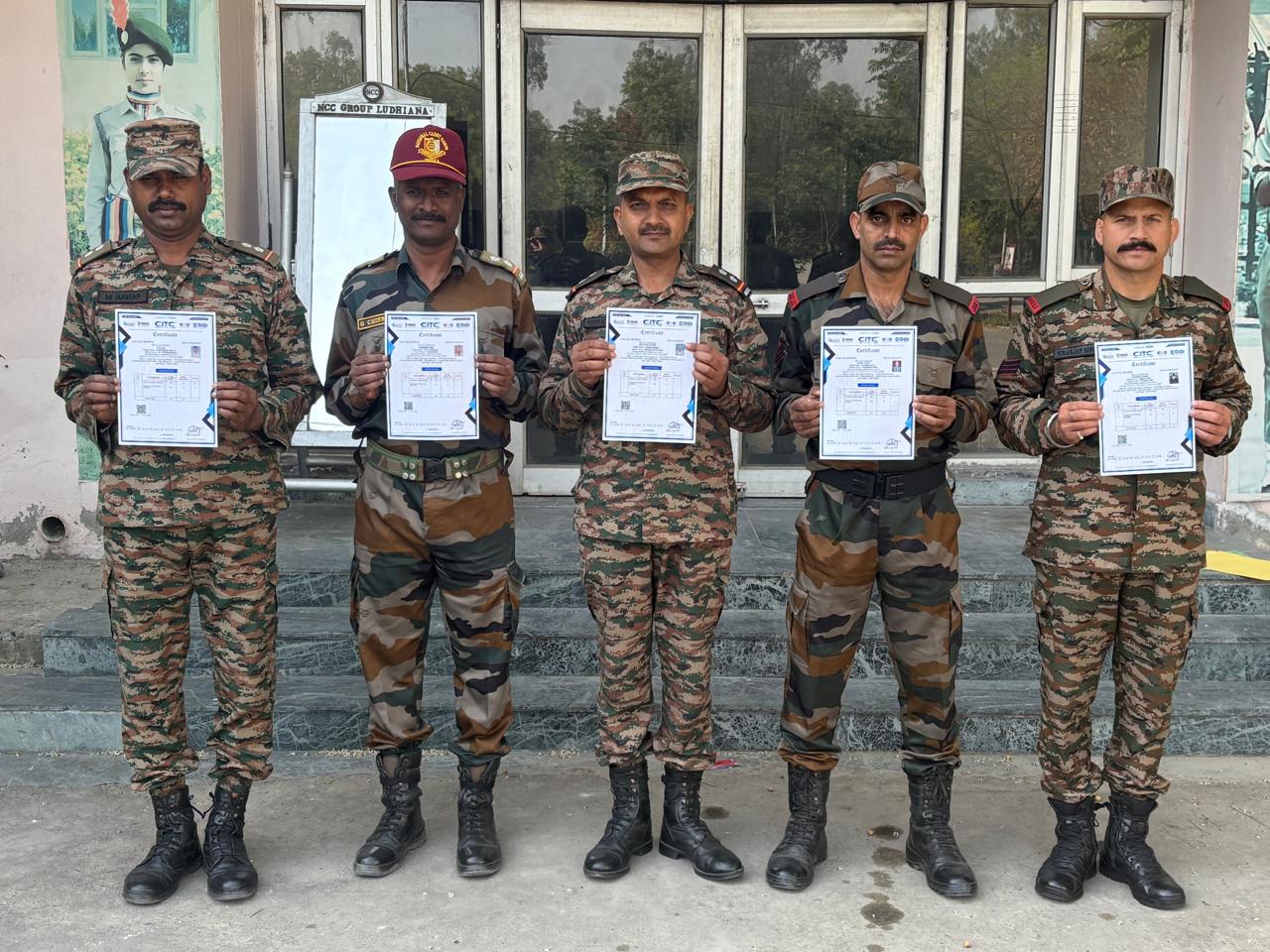
Training at 25 PB Battalion

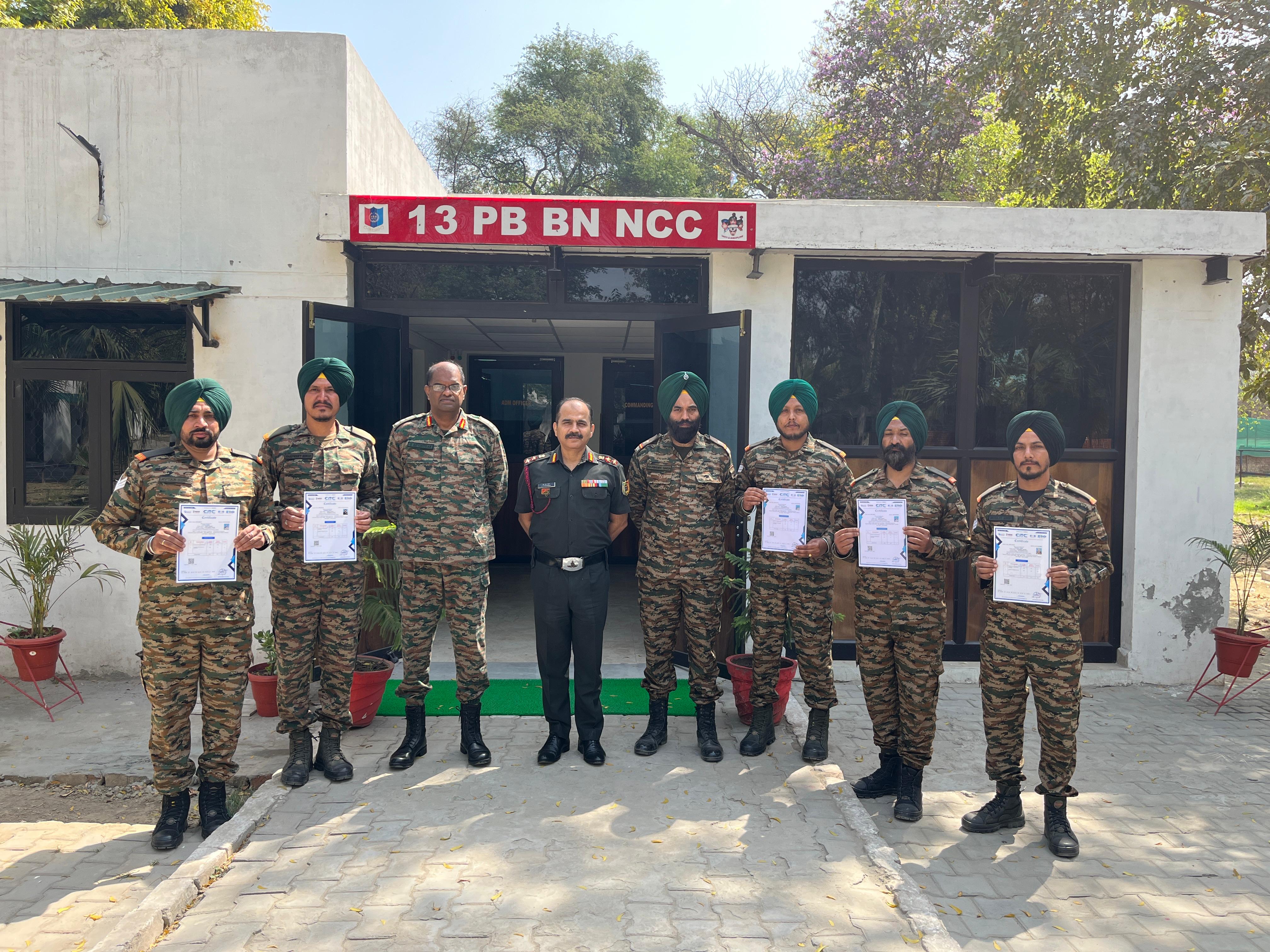
Training at 13 PB Battalion

Training at 13 PB Battalion