Franchise

All Courses

Type a course name or short form (acronym) to find any course quickly.
DOA

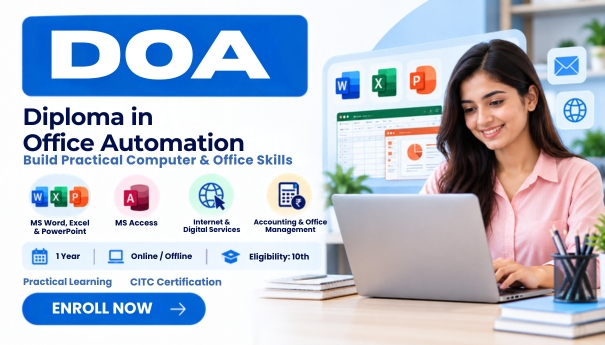
Diploma In Office Automation (DOA)

Start Date 1 October 2026
Duration 1 Year
Mode Online / Offline
Certification CITC Certified
Batch / Course DOA
Enroll Now Download Syllabus

Click here for CITC All Courses FEES

Course Highlights

What you get when you enrol with CITC

Industry-ready Curriculum
Practical Learning
CITC Certificate
Flexible Batches
Placement Support
Career Guidance
1,744+ Franchises
41,756+ Students
445+ Courses
10,439+ Govt. Placements
22,966+ Private Placements
Diploma In Office Automation

DOA- Diploma in Office Automation

CITC Courses Offer

DOA Course only @ ₹1500/- ₹12000 in Self Study Mode.

Do Office Automation Course with CITC – An ISO 9001:2015 certified organisation, associated with Microsoft, ICDL for International Computer courses, NIELIT, MSME & Google. 

About Course

?This Course is especially designed for those who need to upgrade their academic qualifications for further tertiary level studies 

What you will Learn?

After completion of this course, You will be able to learn Computer Fundamentals, basics computer concepts, MS Word, Excel, PowerPoint, Access, Documents Drafting, Data Entry, File Uploading-Downloading, Digital Financial Services, Emails, websites etc.

We will guide you bout Digital Services like Net Banking, Debit / Credit Transactions, E-Wallets, Fraud mails, etc.

Business , Products and Market knowledge is also given to you. you will get to know about how to target clients, finance and marketing.

Scope
After completing this course, you can apply for the post of  secretary, executive secretary, administrative assistant, executive assistant, professional assistant, sales assistant, marketing assistant and research assistant. One should be very responsible for the wide variety of tasks depending upon the market needs, the needs of the firm, experience, skills, education level and personal initiative. 

Course Papers / Subjects

What you will study in this programme

01
Fundamentals
02
MS Word-Required in Lots of office work
03
MS Excel-For Data Entry-listing-Accounting
04
Power Point-Basically used for Presentations
05
MS-Access-For Creating Office Databases
06
Internet-For browsing mails & websites
07
Digital Services-Net Banking, Cyber Awareness
08
Business Management-Know about Business, Product, Market
09
Accounting Info-Functioning of the Software
10
Inventory Info-About Stock Groups, Sale Process
11
Payroll-About Salaries, Payroll

Syllabus (Module-wise)

Expand each topic for details

Module 1

Course Modules/Papers

  • Fundamentals, MS Office(Access)
  • Internet

  • Introduction to computers
  • Input output devices, Memory
  • Hardware Software
  • Number System
  • Introduction to Windows
  • Changing Windows Properties( window color, screen saver,, resolution, date and time)
  • Working with Notepad and Paint
  • Creating, Deleting, Renaming Files and Folders

  • Home
  • Insert
  • Page Layout
  • References
  • Mailing
  • Review
  • View

  • Home
  • Insert
  • Page Layout
  • Formulas
  • Data
  • Review
  • View

  • Home
  • Insert
  • Design
  • Animation
  • Slidshow
  • Review
  • View

  • Home
  • Create
  • External Data
  • Database Tools
  • Datasheet

  • Introduction to Internet
  • Surfing
  • Email
  • Create Account
  • Sending & Receiving E-Mails
  • Web Browsers
  • Downloading & Uploading
  • Google Drive
  • Search Engines
Module 2

Course Modules/Papers

  • Digital Services, Business Management
  • Tally ERP 9, Accounting Concepts(Payroll)

  • Net Banking
  • Debit/Credit Card Transactions
  • E-wallet
  • UPI
  • Fraud Emails
  • Spams
  • Trojan/virus

  • Business
  • Services
  • Market
  • Finance
  • Target Clients
  • Key Deliverable

  • Introduction
  • Comp. Formation
  • Ledger & Group Creation
  • Journal Entries
  • Vouchers
  • Profit & Loss A/C
  • Balance Sheet
  • Cost Centres
  • Interest Calculations
  • Budget Making

  • Stock Groups & Items Creations
  • Purchase Process
  • Sale Process
  • Voucher Entries
  • Invoice with inventory mode


What You Will Learn & Career Scope

Details from the course content


Frequently Asked Questions

Common questions about this course

DOA stands for Diploma in Office Automation. CITC’s DOA Course provides practical training in computer applications, MS Office, internet, digital services, and office-related skills.

CITC’s DOA Course has a duration of 1 year and is available in both online and offline modes.

Candidates who have completed 10th standard are eligible to join CITC’s Diploma in Office Automation course.

The course covers computer fundamentals, MS Office, internet, digital services, business management, Tally ERP9, and accounting concepts.

Yes, CITC’s DOA Course includes MS Word, MS Excel, and other MS Office applications for developing practical office skills.

Yes, the course includes Tally ERP9 and accounting concepts, including payroll-related concepts.

Yes, CITC’s DOA Course covers digital services and internet-related skills that are useful for modern office work.

Yes, CITC highlights practical learning as part of the DOA Course to help learners apply computer and office skills.

Yes, CITC offers the Diploma in Office Automation in both online and offline modes.

Yes, CITC provides a CITC certificate after successful completion of the Diploma in Office Automation course.

Real Stories. Real CITC.

Stories That Inspire Trust

Training at 25 PB Battalion
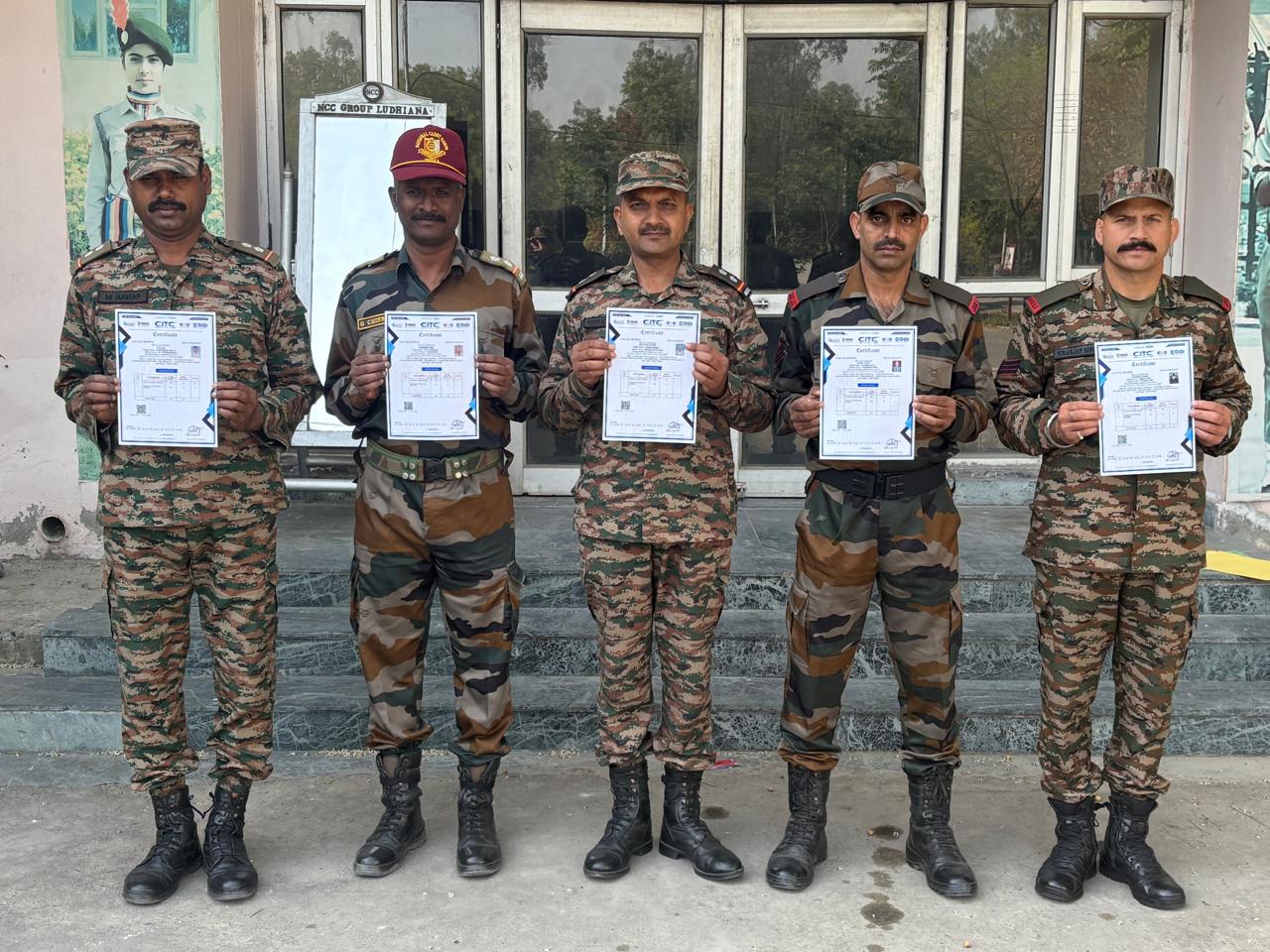
Training at 25 PB Battalion

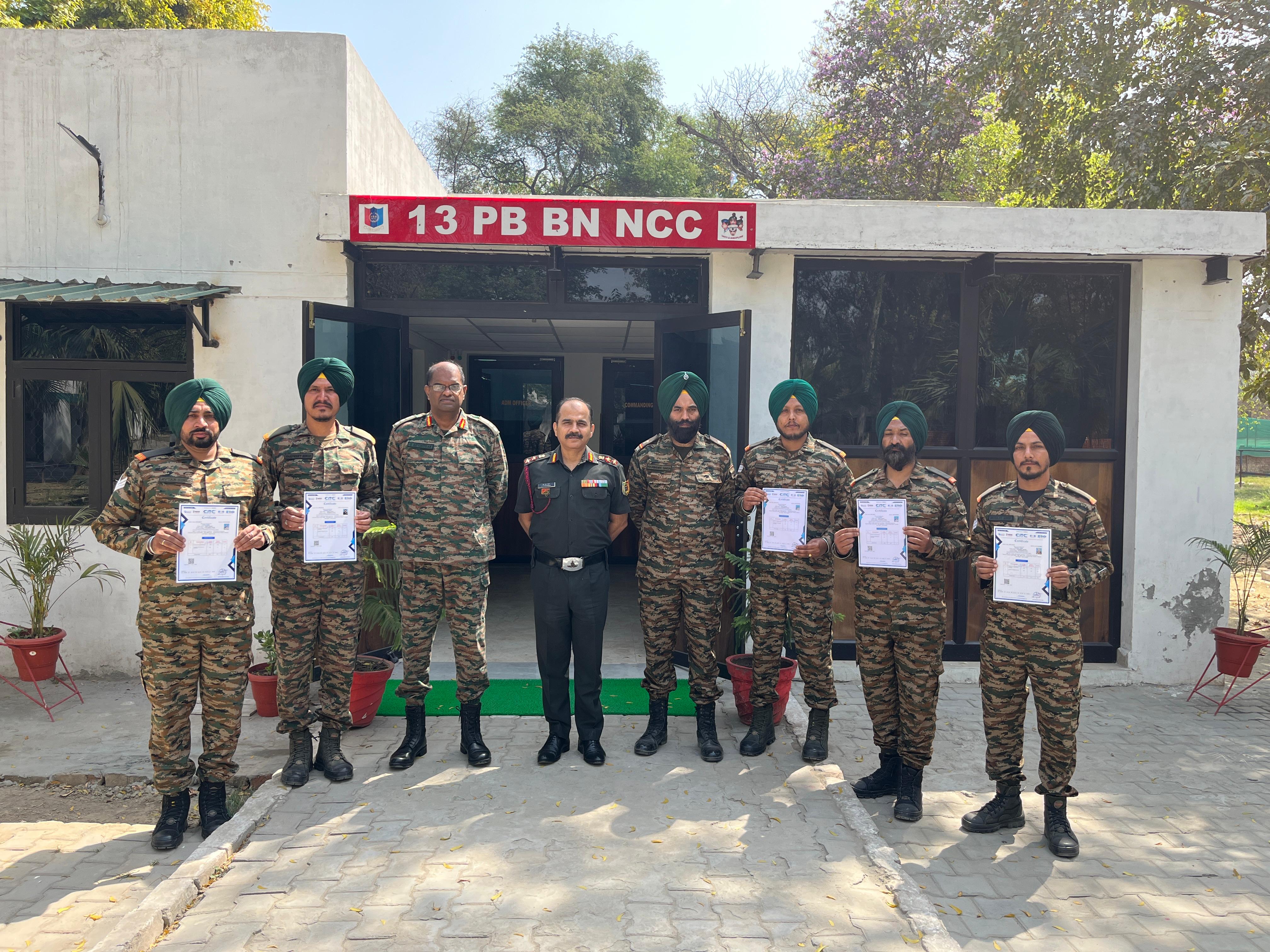
Training at 13 PB Battalion

Training at 13 PB Battalion